LEGO Part Number Lookup: Find Any Brick by Its ID
Every brick has a design ID — the number printed on the instruction sheet and used by BrickLink — and searching that number, not the part's name, is the fastest way to identify it. Enter 3001 and you get one part. Enter "2x4 brick" and you get dozens of moulds and colourways, some of which do not fit each other. Learn the system once and you stop guessing at second-hand lots, mis-ordered parts, and plans that call for shapes you cannot find.
This guide covers how the numbering works, the difference between a design ID, an element ID and a colour code, a four-step lookup routine, worked examples, the tools worth using, and the traps that cause people to buy the wrong part.
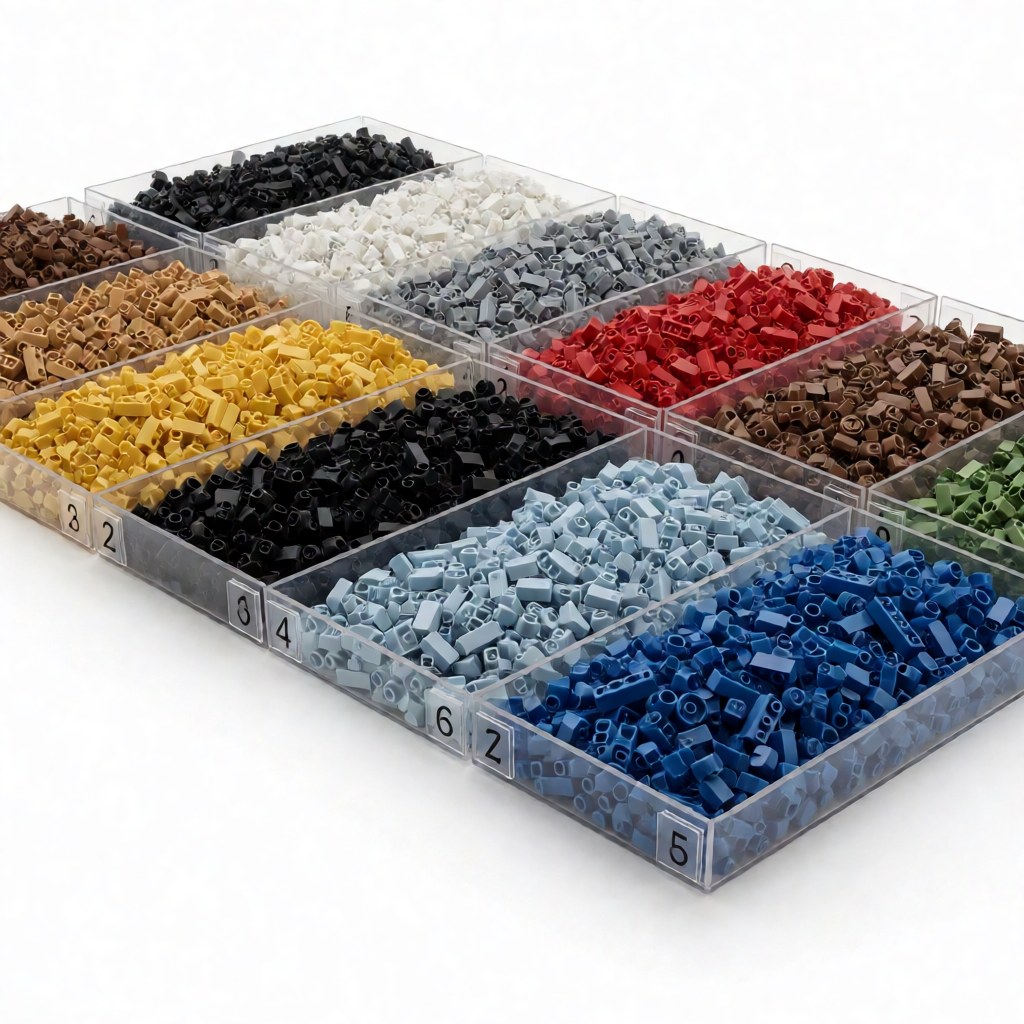
How LEGO part numbers are built
LEGO assigns one number to every distinct shape. Most design IDs are three to seven digits, and parts in the same geometric family usually sit in the same numeric neighbourhood.
| Design ID | Part | Notes |
|---|---|---|
| 3001 | 2x4 brick | The reference brick |
| 3003 | 2x2 brick | Same family, adjacent number |
| 3004 | 1x2 brick | Half of a 2x4 |
| 3024 | 1x1 plate | Smallest common plate |
| 3710 | 1x4 plate | Grooved version exists |
| 3039 | 2x2 slope, 45 degrees | Common roof slope |
| 4070 | Headlight brick | Recessed stud on one face |
| 87580 | Jumper plate, 2 studs to 1 | Half-stud offset tool |
| 2780 | Technic pin | Load-bearing friction part |
That is why 1x2, 1x3 and 1x4 plates have closely related numbers: they are variations on one geometry, not unrelated parts.
Design ID, element ID and colour code are three different things
This is the distinction that causes most bad orders:
| Identifier | What it identifies | Example |
|---|---|---|
| Design ID | Shape only | 3001 = the 2x4 brick, any colour |
| Colour code | Colour only | 21 = Bright Red |
| Element ID | One specific shape in one specific colour | the number LEGO prints on a set inventory |
A design ID plus a colour code describes exactly one purchasable part. Element IDs are the seven-digit numbers you will find on a set's parts list, and for many older basic elements the element ID reads as the design ID followed by the two-digit colour code — but that pattern does not hold for every part, so always confirm the colour in the database record rather than decoding the digits.
Practical upshot: search by design ID, then filter by colour. Searching by colour first will bury you in results.
Mould variants and suffixes
Some IDs carry a letter suffix, and suffixes mark variants rather than new shapes. A printed element often carries a P; X tends to mark a transparent part or a newer mould revision. Two moulds with the same shape but different suffixes are not always interchangeable. The classic example is the 1x2 plate with a groove (3794b) and without (3794): they look identical on a table, but they behave differently in thin assemblies where the groove provides clearance for adjacent studs.
The rule: match the suffix when the plan specifies one, and match only the base number when it does not.
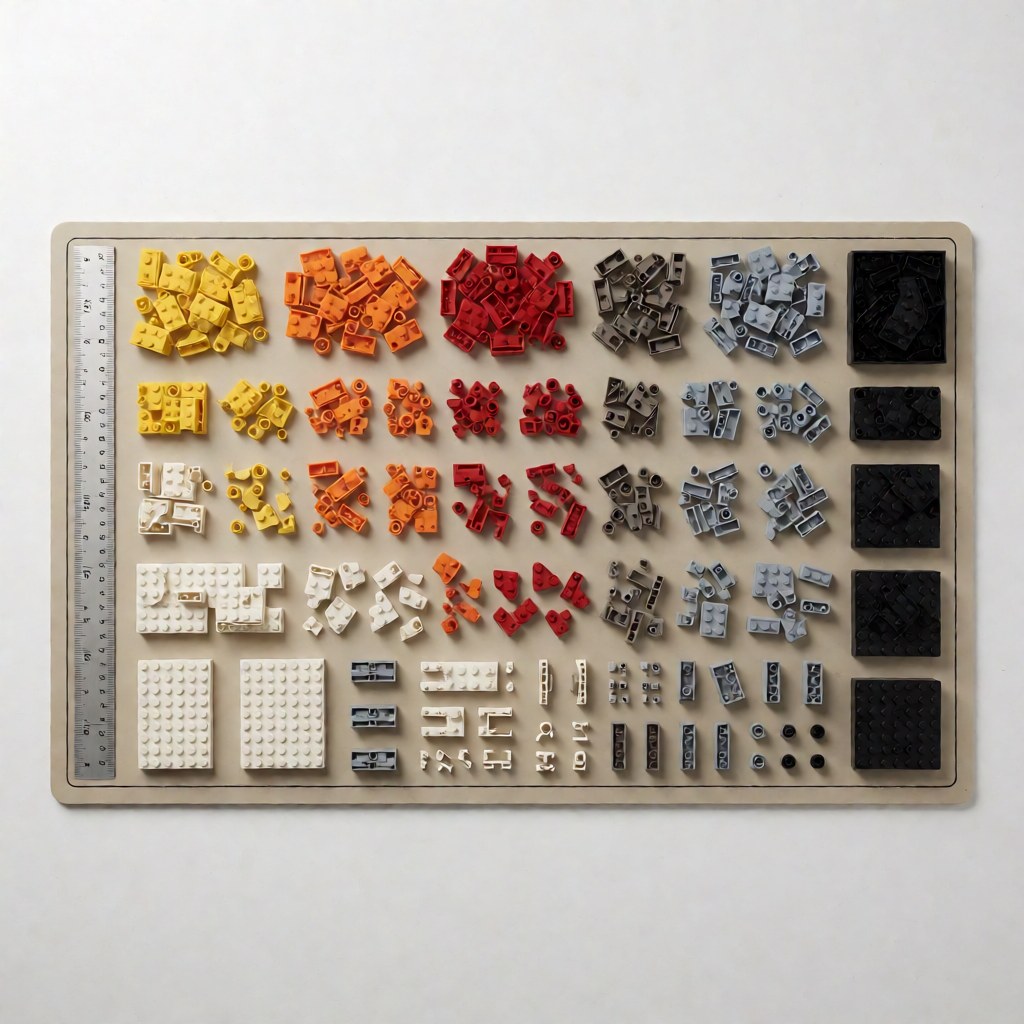
A four-step lookup routine
- Classify the part. Brick, plate, slope, tile, Technic, minifigure component, accessory. Classification narrows the search before you type anything.
- Measure it in studs. Length and width in studs, plus thickness in plates. "2x2, one plate thick" is precise; "small square plate" is not.
- Search the design ID. Type the number, not the name. Confirm geometry against the photo, and check whether a suffix variant exists.
- Check colour and quantity separately. Shape comes from the design ID; colour is a separate code. Getting this wrong is the most common reason a bulk order arrives unusable.
Worked example 1: a slope from a plan
Your plan calls for a 2x2 green slope and the sheet says "3039 Green". Look up 3039, confirm the 45-degree geometry, then check which colours it was produced in and whether a steeper alternative such as 3038 or 3040 would look better for your roof pitch. Then, and only then, price it in the colour you need.
Worked example 2: a plate that will not seat
The assembly will not close by a fraction of a millimetre. In most cases one plate is a grooved mould where the plan assumes a flat one, or vice versa. Check the suffix: 3794 versus 3794b. Swapping two plates fixes a problem that looks like a design error.
Worked example 3: identifying a mystery minifigure torso
Torsos (973) are the hardest common category, because shape is identical across thousands of prints. Search for the torso base, then filter by the printed design rather than by colour. If the print is unlisted on BrickLink, photograph the piece on a plain background and post it in a parts-identification forum — the community identifies them quickly.
Which lookup tool to use
| Tool | Strength | Weakness | Best for |
|---|---|---|---|
| BrickLink | Deepest catalogue; per-part set and seller data; price guide | Dated interface, steep first hour | Establishing the reference record |
| Rebrickable | Inventory maths against your own collection; strong reverse lookup | MOC-centric, less pricing depth | Planning a build and finding gaps |
| BrickSet | Fast phone browsing, set-level part lists | Weaker per-part search | In-store checks |
| Brand stores and CN community parts lists | Correct IDs for non-LEGO parts | Not standardised between makers | Compatible-brand parts |
Build your baseline vocabulary on BrickLink, then manage your inventory in Rebrickable. Between them you cover almost every lookup you will ever need.
Colour codes worth memorising
Colour is a separate namespace, and the codes are not intuitive. A short reference list of the ones you will use constantly:
| Code | Colour |
|---|---|
| 1 | White |
| 5 | Brick Yellow (Tan) |
| 21 | Bright Red |
| 23 | Bright Blue |
| 24 | Bright Yellow |
| 26 | Black |
| 28 | Dark Green |
| 119 | Bright Yellowish Green (Lime) |
| 194 | Medium Stone Grey |
| 199 | Dark Stone Grey |
Why the same part costs ten times more in one colour: a rare colour produced for a single set and never repeated commands a premium even though the shape is common. Dark Red and Dark Green are typical offenders. Always price by design ID plus colour code before assuming a listing is overpriced.
Compatible brands: where the numbering breaks down
Chinese brands that build to the LEGO geometry usually keep the same stud dimensions but not the same numbering system. Three patterns exist:
- Reused LEGO design IDs. Easiest case — the same number finds the part, and parts lists interoperate.
- Vendor-specific numbering. Common in larger brands with their own mould libraries. A LEGO number may match a different part or return nothing.
- No public numbering at all. Sold as "compatible parts, assorted", with only a photo and a size.
When you search for a compatible part, confirm on the brand's own store or in a community parts list. Fall back to searching size plus shape rather than trusting a number you cannot verify, and be aware that the same part from two makers can differ slightly in clutch even when both are nominally to specification.
Identifying a bulk lot: a practical procedure
Sorting several kilos of loose parts is a different problem from looking up one part. Work this order:
- Separate by category first, not by colour. Bricks, plates, tiles, slopes, Technic, minifigures, accessories.
- Within a category, group by stud count. All 2x4 bricks together, all 1x2 plates together.
- Weigh rather than count for bulk. A 2x4 brick averages roughly 2.3 grams; a 1x2 plate under 0.5 grams. Weight times a per-part average gives a usable estimate without counting 5,000 pieces.
- Identify the top 20 shapes by volume, because those will cover most of any future parts list.
- Set aside anything printed, transparent or unusual. Those are the parts where identification effort pays.
A single evening of this turns an unusable pile into an inventory you can search.
Five traps that waste money
- Ordering by colour first. You will buy the right colour in the wrong mould.
- Ignoring suffixes. Grooved and flat variants are not interchangeable in tight assemblies.
- Confusing design ID and element ID. The seven-digit number on a set inventory will not always work as a search term in a parts database.
- Trusting a photo. Photos cannot convey stud pitch. Use the number or the measured dimensions.
- Assuming cross-brand consistency. A part number that exists in one brand's catalogue may mean something else in another's.
FAQ
Q: How do I find a part number without any instructions? A: Measure it in studs, then browse the plate or brick category filtered by that size. Colour variants share one ID, so the size-plus-shape combination almost always lands on a single entry.
Q: Why do two stores list different numbers for the same brick? A: One is using the LEGO design ID and the other a seller or internal catalogue number. Compare the photo and the stud dimensions rather than the digits.
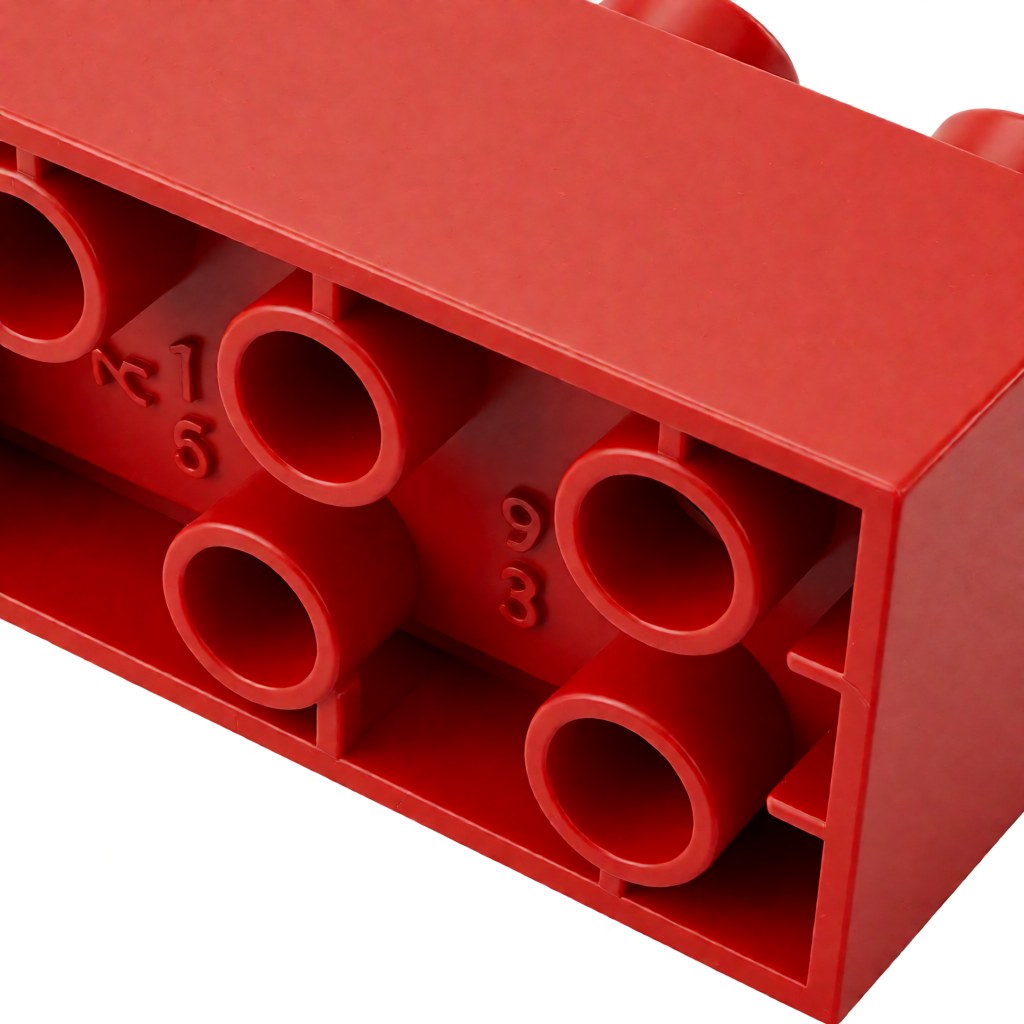
Q: Is the number on the underside of a brick the design ID? A: Not always. Underside marks are often mould or cavity identifiers. Trust the number on the plan, or the database record, instead.
Q: Can I substitute a newer mould for a discontinued one? A: Usually yes for display builds. Check for a changed groove, pin or stud recess first — those differences matter inside tight assemblies.
Look up the parts for a model you already own and rebuild it: that is the fastest way to learn the system. Every plan in the BrickPlan blueprint library lists its parts with IDs attached.