BrickLink Buying Guide: Find Parts and Order Safely
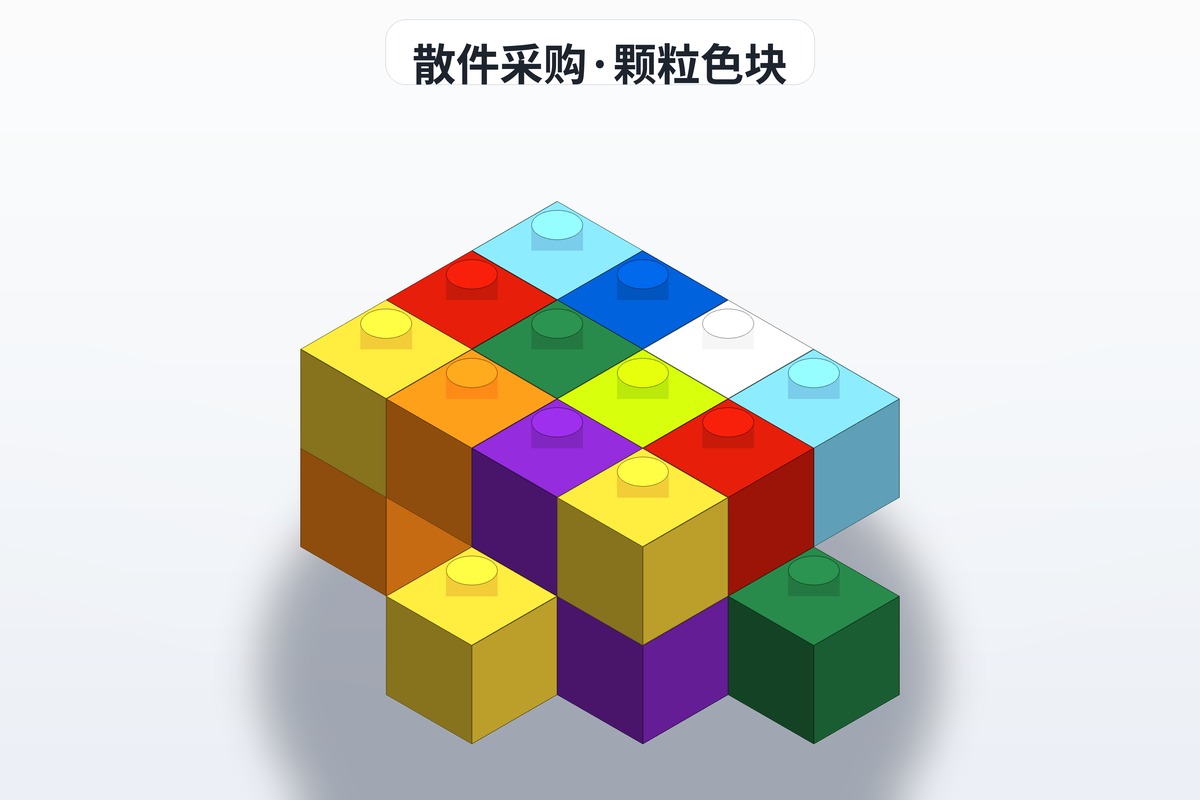
Halfway through a build and a few pieces are missing, or you have dug through the loose-parts bin and still cannot find that one piece? This BrickLink tutorial walks the whole process from start to finish. It is the largest LEGO parts marketplace in the world, with enormous inventory and sellers spread across every region — with the right approach, you can get almost any part at a reasonable price.
1. Creating an Account and Basic Setup
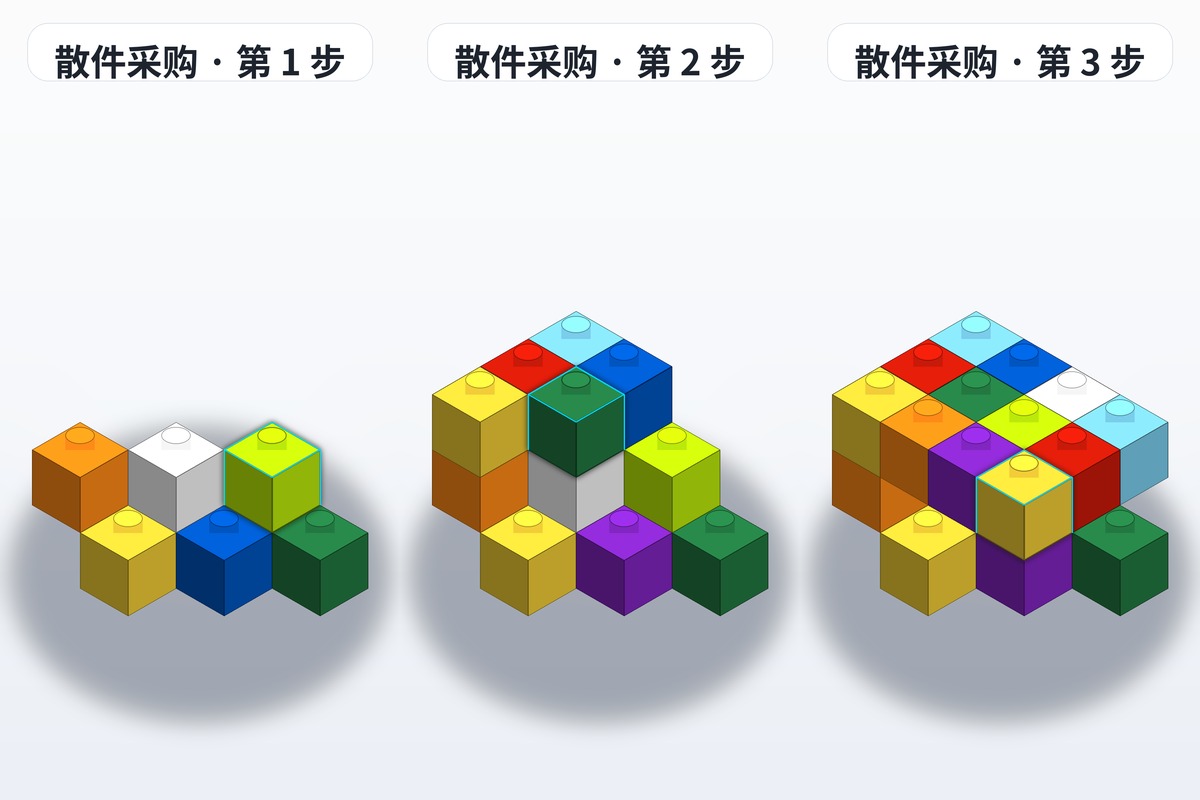
The first step is to register a BrickLink account. Open the site, click Register in the top-right corner, enter your email, set a password and accept the terms. Once that is done, it is worth completing your shipping address and payment details in your account settings first. BrickLink does not handle payments itself — the vast majority of transactions go through PayPal — so linking a working PayPal account up front makes everything smoother later. One side note: if you need to check which parts are included in a particular LEGO set, you can look up detailed parts lists and building instructions on brickplan.cn, which pairs well with this buying guide.
2. How to Search for the Parts You Need
There are two common ways to find parts. One is to type the part number straight into the search box on the homepage — the classic 3001, for example, is the standard 2x4 brick. The other is to browse BrickLink's catalog and filter down level by level by color, category and year. Once you locate the part, the page lists every copy currently for sale. Pay attention to the letter suffix after the number: A means the regular version and B the alternate version, for instance. Double-check the color too, so you do not end up with the wrong piece.
3. Choosing a Reliable Seller
BrickLink has a huge number of sellers, and quality and pricing vary widely. When choosing, focus on three indicators: whether the feedback rating is above 99%, whether the seller has a large enough transaction volume, and whether the shipping region suits you. The same part can differ in price by several times between sellers, so it pays to organize everything you need into a Want List and compare in one pass. Overseas sellers often set a minimum order value and a shipping threshold, so read the fee breakdown carefully before you commit.
4. Placing an Order and Paying
Once the parts you need are in your cart, checkout calculates the part cost and the shipping cost together. Sellers calculate postage differently — some charge by weight, others by number of pieces. For international orders, choose a shipping method with a tracking number. It costs more, but it greatly reduces the risk of a lost parcel. After payment, sellers usually ship within 1-3 days; when the parcel arrives, remember to confirm receipt on the platform and leave feedback promptly.
5. Tips to Avoid Common Pitfalls
To wrap up, here are a few mistakes beginners tend to make. First, do not look at unit price alone — spread the shipping cost into the total. Second, favor sellers close to you to shorten transit time. Third, international orders may involve customs duties, so check your local rules before buying. Once you are comfortable with this BrickLink workflow, you will be able to fill in any missing part from any set with ease. And if you are ever unsure about a part number, look it up on brickplan.cn.
FAQ
Q: How do you buy parts on BrickLink?
A: Register an account, then enter a part number in the search box (3001, for example, is a standard 2x4 brick), or upload a parts list with the bulk search. Add the items to your cart, pick your sellers, and check out. Shipping is charged by weight or by piece count, and the whole process takes about ten minutes.
Q: How do you pick a reliable seller on BrickLink?
A: Focus on three indicators: feedback above 99%, a large enough transaction volume, and a shipping region close to you. Meet all three before ordering and you greatly reduce the risk of wrong or missing pieces.
Q: What should you watch out for when ordering internationally on BrickLink?
A: Three things: do not look at unit price alone — work the shipping into your total cost; prefer sellers near you to shorten transit time; and for international orders, choose a shipping method with tracking and check customs duties in advance.
Q: Is BrickLink an official LEGO platform?
A: No. BrickLink is the largest LEGO parts marketplace in the world, and its sellers come from everywhere, so quality and pricing vary. That is why you should always check feedback and transaction volume before ordering — transactions are mostly between you and third-party sellers.