How to Read a LEGO Instruction Manual: From Parts List to Step Diagrams
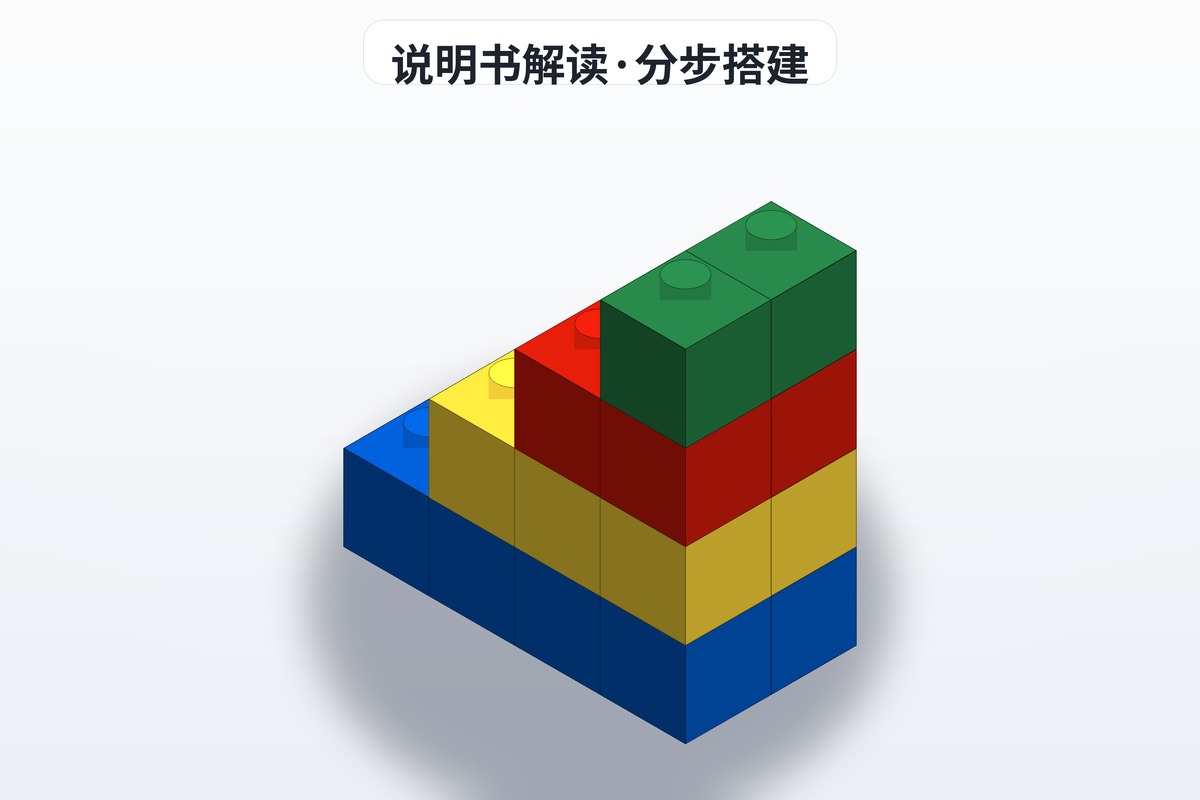
You have dumped a few hundred pieces across the table, opened the LEGO instruction manual, and suddenly felt lost: what are all those numbers on the cover? How do you work through a packed parts list? And what do the arrows and symbols in the step diagrams actually mean? The manual's visual language is genuinely well designed — learn it once and every set after that gets easier. Here is a full pass through a manual, start to finish.
Start With the Cover: Set Number, Age, Piece Count, Theme
The first page carries more information than you might expect. The set number (42115, for example) is a string of digits plus letters and works as the set's ID card — it is what you use to find the instructions, check parts, or order replacements. The age rating signals how complex the build is; an 8+ set and an 18+ set are very different experiences. The piece count gives you a rough idea of the workload and helps you confirm the manual matches the parts you actually have. The theme (City, Technic, Creator and so on) determines the building logic — Technic sets lean on pins and axles, while standard sets are mostly about interlocking bricks. If you buy second-hand or loose bricks, verifying these details first saves a lot of grief.
How to Read the Parts List
The parts list is usually grouped by color first, then broken down by part type, with the part number and quantity for each entry listed beside it. The right way to use it is to sort before you build: pull out pieces of the same color and type into separate piles, counting them against the list as you go, which doubles as a missing-piece check. Watch for small dark parts that are easy to confuse — a black 1x2 brick versus a black 1x3 brick, for instance. If color won't settle it, compare lengths. Don't skip this step out of impatience; good sorting means every later step is grab-and-go.
Step Diagram Reading Tips
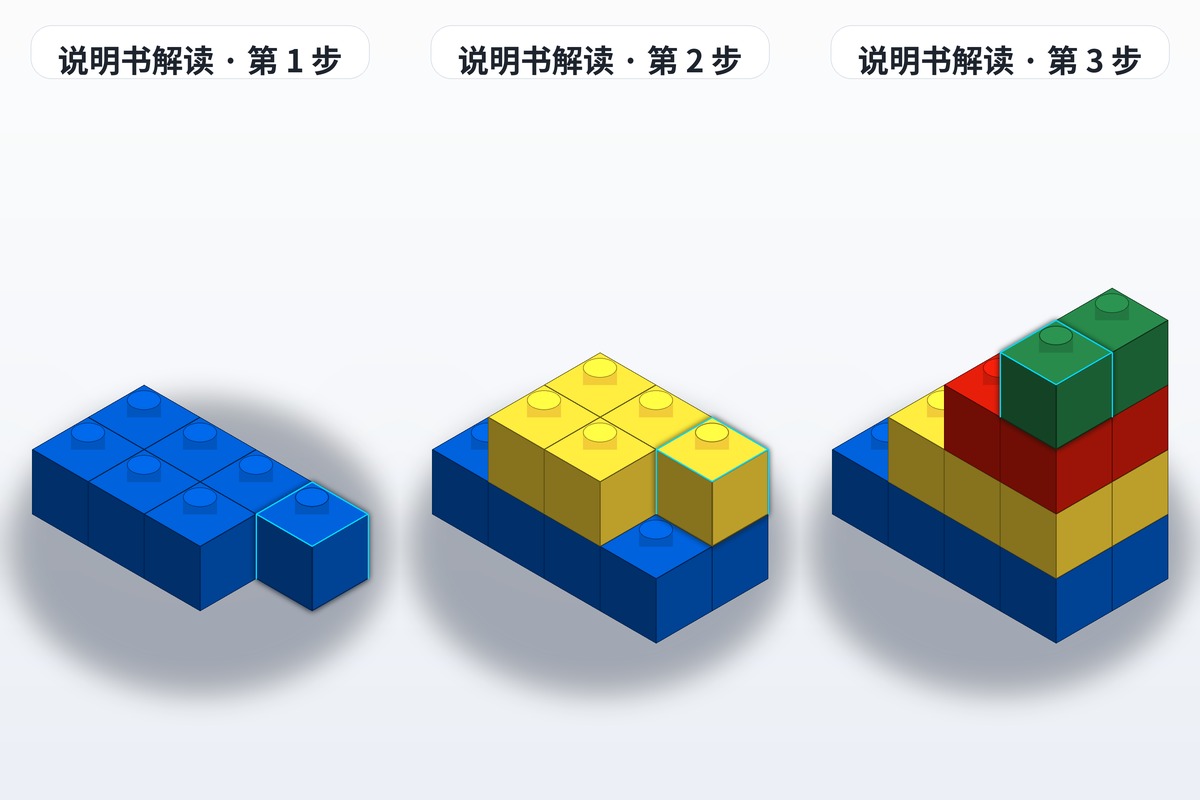
The step diagrams are the heart of the manual. The core rule: each step adds only the new pieces, and whatever is highlighted in the image is what goes on in that step. Structure you have already built appears in a lighter or gray tone, so you don't repeat it. The classic beginner mistake is building one step too many or skipping ahead, then getting stuck and having to backtrack. Two more habits help: match colors exactly — if the diagram shows a piece in a given color, find that color rather than substituting — and use the mirrored assemblies. For symmetrical structures like a car front or door panels, the manual often marks a double arrow meaning "install symmetrically." Check which side gets which piece so you don't flip anything.
What the Common Symbols Mean

Those little symbols are really just operating commands. A press symbol (a downward arrow or a hand icon) means the step needs firm pressure to seat properly, common with axles, pins and hinge pieces. A rotate symbol (a circular arrow) means the part turns by a set angle, usually paired with a number. 1:1 scale parts are drawn at actual size next to the step so you can hold a piece against the page to confirm it. Special pieces — rare printed elements, for instance — get their number enlarged to point you toward the specific numbered bag inside the box. Once these few symbol types are familiar, reading a manual is basically frictionless.
What to Do If You Lose the Instructions
Don't panic if the paper manual goes missing — finding instructions online is the fastest fix. LEGO's official site offers free PDF downloads for every current set and most retired ones; search by set number and you're there. Database sites such as Rebrickable also aggregate a large amount of official instruction material. For MOC instructions in particular, save an electronic copy the moment you get one: many are original work by individual designers with no official archive, so a lost file may genuinely be gone for good.
MOC Instructions vs. Official Manuals
Official manuals follow a standardized layout, step planning and symbol system. MOC instructions are different: most are made by individual builders, and quality varies widely. The good ones have clear steps and complete inventories; the weaker ones may be missing steps or parts information. Always check the parts list and the instruction version first, and for complex structures add a 3D model file as a reference. If you're looking for high-quality MOC instructions, browse brickplan, where builders share plenty of high-resolution plans and build notes.