MOC Design Software: A Complete Guide from Beginner to Pro
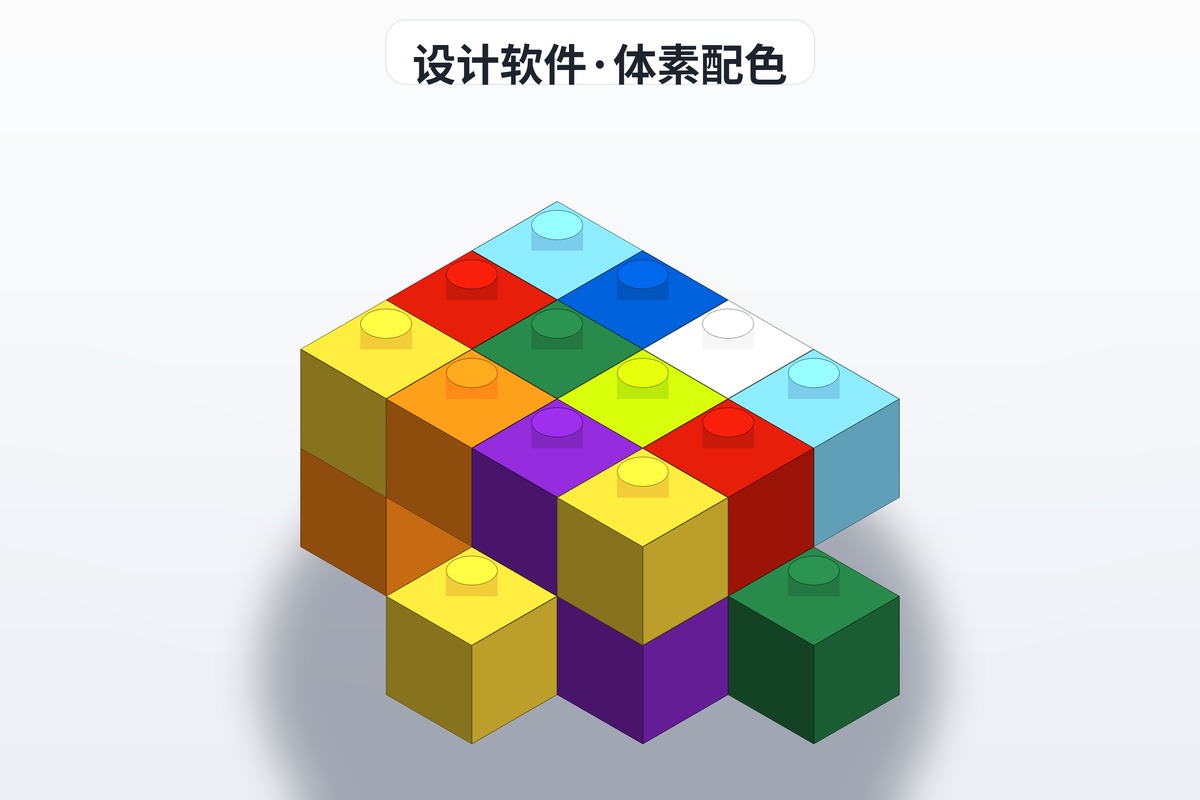
Going from following instructions to publishing your own is where most builders stall — and it is rarely the idea that stops them, it is the tooling. You can picture the shape in your head but have no way to get it onto a drawing. I have worked through most of the mainstream MOC design software over the past few years, and below they are sorted by learning curve and use case, so absolute beginners and builders heading toward professional work can both find their match.
Why use MOC design software?
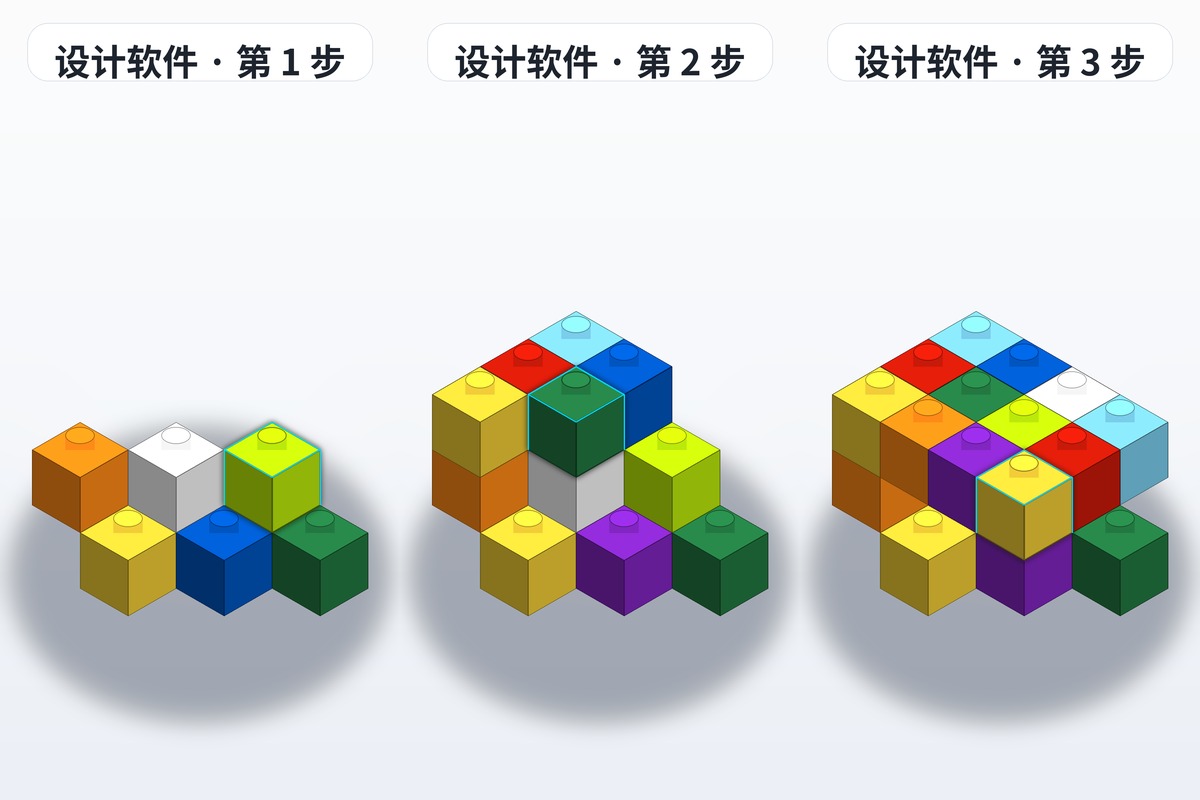
Trial and error with real parts is expensive: order the wrong piece and you wait a week, change one structure and you tear the whole build down. With a proper MOC design software you can:
- Save money: build virtually and avoid buying the wrong parts
- Work faster: iterate quickly and generate a parts list in one click
- Share easily: export your design as a MOC instruction PDF and pass it to other builders
- Plan precisely: get exact quantities and colours for every part
The main MOC design software options
1. BrickLink Studio 2.0 — the most complete tool
Best for: everyone, from first-time builders to professionals
BrickLink Studio 2.0 is the most popular brick MOC instruction generator in the world right now, developed officially by BrickLink (a LEGO company).
Core features:
- Huge parts library: over 20,000 LEGO parts, updated continuously
- Smart building aids: auto-snap, alignment hints, collision detection
- Instruction output: one-click PDF building step diagrams
- Rendering engine: high-quality 3D renders for presentation images
- Parts list export: automatic BOM table, orderable directly on BrickLink
Pros:
- Completely free and very capable
- Rich community resources, with plenty of tutorials and templates
- Seamless connection to the BrickLink marketplace
Cons:
- Has real hardware requirements
- The learning curve is steep and takes time to work through
On designing your own brick MOC: Studio 2.0 ships with extensive tutorials covering everything from basic operation to advanced technique, which makes it the best starting point for learning MOC design.
2. LEGO Digital Designer (LDD) — the classic entry point
Best for: beginners and children
LDD was LEGO's early official digital building tool. It is no longer updated, but it is still a solid entry-level MOC design software.
Core features:
- Intuitive drag-and-drop operation
- Automatic part snapping
- Simple step diagram generation
Pros:
- Simple to operate, quick to learn
- Low hardware requirements
- Made by LEGO, so part data is accurate
Cons:
- No longer updated, so the library lacks the newest parts
- Limited functionality, unsuitable for complex designs
3. Mecabricks — the online design platform
Best for: builders who do not want to install anything and like working online
Mecabricks is a browser-based brick design platform that runs without installation.
Core features:
- Runs directly in the browser, cross-platform
- High-quality rendering engine
- Community sharing
- Supports exporting MOC instruction PDFs
Pros:
- No installation — open a browser and go
- Excellent render quality
- Active community where you can browse and share other people's work
Cons:
- Needs a stable internet connection
- The parts library is not as complete as Studio 2.0
4. LDraw — the open-source professional system
Best for: advanced builders chasing maximum precision
LDraw is an open-source brick CAD system and the foundation many other MOC tools are built on.
Core features:
- The most accurate part measurement data available
- Command-line operation with high flexibility
- Scriptable automation
Pros:
- Open source, free, no restrictions
- The most precise part data
- Highly extensible
Cons:
- Very steep learning curve
- No graphical interface of its own — needs a front-end tool alongside it
- Not suited to fast prototyping
5. Part Designer (a Studio plug-in) — custom part design
Best for: advanced builders who need bespoke parts
Part Designer is an extension for BrickLink Studio 2.0 that lets you design custom parts which do not exist in the Studio library.
Core features:
- Custom part shapes
- Sticker and print design
- 3D print export
How to choose the right MOC design software
Here is a recommendation based on your skill level and needs:
| Your level | Recommended software | Why |
|---|---|---|
| Complete beginner | Studio 2.0 or LDD | Intuitive, plenty of tutorials |
| Some experience | Studio 2.0 | Full-featured and built for long-term use |
| Professional designer | Studio 2.0 + Part Designer | Covers every design need |
| Open-source enthusiast | LDraw + LeoCAD | Highly customisable |
| Online collaboration | Mecabricks | No install, easy to share |
Brick instruction tutorial: design your first MOC from scratch
Step 1: Concept and planning
Before you open any software, define your goal:
- What are you building? A building, a vehicle, a robot, or a scene?
- Decide the scale: minifigure scale (1:1) or a micro-scale version?
- Theme and style: realistic, cartoon, or technical?
Step 2: Choose your software and build the base structure
Taking Studio 2.0 as the example:
- Create a new project and choose the right baseplate size
- Start with the basic structure and build the skeleton of the model
- Add detail gradually, adjusting and refining as you go
Step 3: Optimise and refine
- Check structural stability: are there floating parts? Does anything need reinforcing?
- Adjust the colour scheme: is it harmonious? Is there enough colour contrast?
- Optimise part usage: replace rare parts with standard ones to cut cost
Step 4: Generate instructions and a parts list
- Use the software's "Instruction Maker" to generate building steps
- The exported MOC instruction PDF contains step-by-step diagrams and a parts list
- Share your work on brickplan.cn so more brick fans can see it
Step 5: Buy the parts and build it for real
- Use the generated parts list to source the pieces
- Build physically following the step diagrams you generated
- Once it stands in bricks, compare it with the digital design and note what to improve
Advanced tips: raising the quality of your MOC design
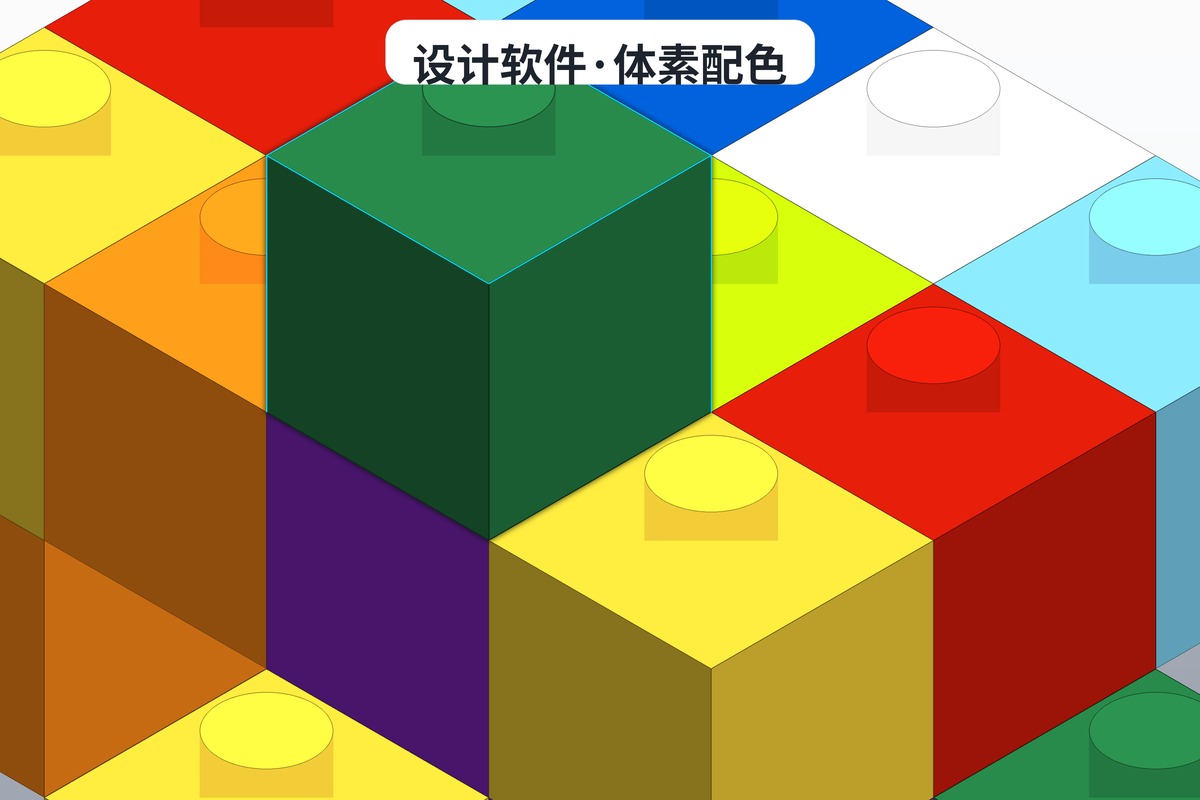
1. Structural design techniques
- Triangulation: add diagonals to unstable rectangular structures to dramatically increase strength
- SNOT (Studs Not On Top): build sideways to open up far richer shaping
- Modular layering: split large MOCs into separate modules that are easier to transport and display
2. Visual design techniques
- Colour theory: use complementary and contrasting colours to strengthen visual impact
- Texture building: combine different bricks to create rich surface texture
- Proportion control: keep detail and overall mass in proportion
3. Digital design techniques
- Layer management: keep different assemblies on separate layers for easier later edits
- Learn the shortcuts: familiarity with hotkeys massively speeds up your workflow
- Save regularly: build the habit of saving as you go to avoid losing work
How to generate a MOC instruction PDF with BrickLink Studio
This is the feature most builders ask about. The detailed steps:
- When the design is finished, click "Instruction Maker" in the menu bar
- The system analyses the build order automatically and generates step diagrams
- You can manually adjust the step order and how many parts appear in each step
- Add a cover page, a table of contents and a parts list page
- Click "Export" → "PDF" and choose your PDF export settings
- Export completes and a professional MOC instruction PDF is ready
Share your MOC work on BrickPlan.cn
Once the design is done, sharing is an important part of MOC culture. On brickplan.cn you can:
- Upload your MOC instruction PDF and share it with the community
- Browse other designers' work for inspiration
- Exchange design notes with other brick builders
- Collect feedback and keep improving your design
One last word
Choosing software is really choosing a way of working: if you want every feature, go with BrickLink Studio 2.0; if you want to open a web page and start moving bricks, use Mecabricks. Tools are only the means — whether anything gets made still depends on whether you actually sit down and build.
If you genuinely want to start, the fastest route is to take apart someone else's instructions first: download a few MOC instruction PDFs you like from brickplan.cn and open them in your software to see how the structure is put together. Studying three of them beats three months of guessing.