How to Find MOC Building Instructions in 2026
"I've bought a mountain of bricks and I want to build something interesting — but where do I actually find instructions?" I get asked this dozens of times a year. Honestly, finding instructions isn't hard. Finding a set you can actually finish is. Pick the wrong source and you end up with a download that's missing half its steps, or a parts list full of pieces nobody sells anymore. Below are the channels I use myself, split into Chinese-language and international platforms, with the pitfalls I've hit along the way.
Why do you need instructions?
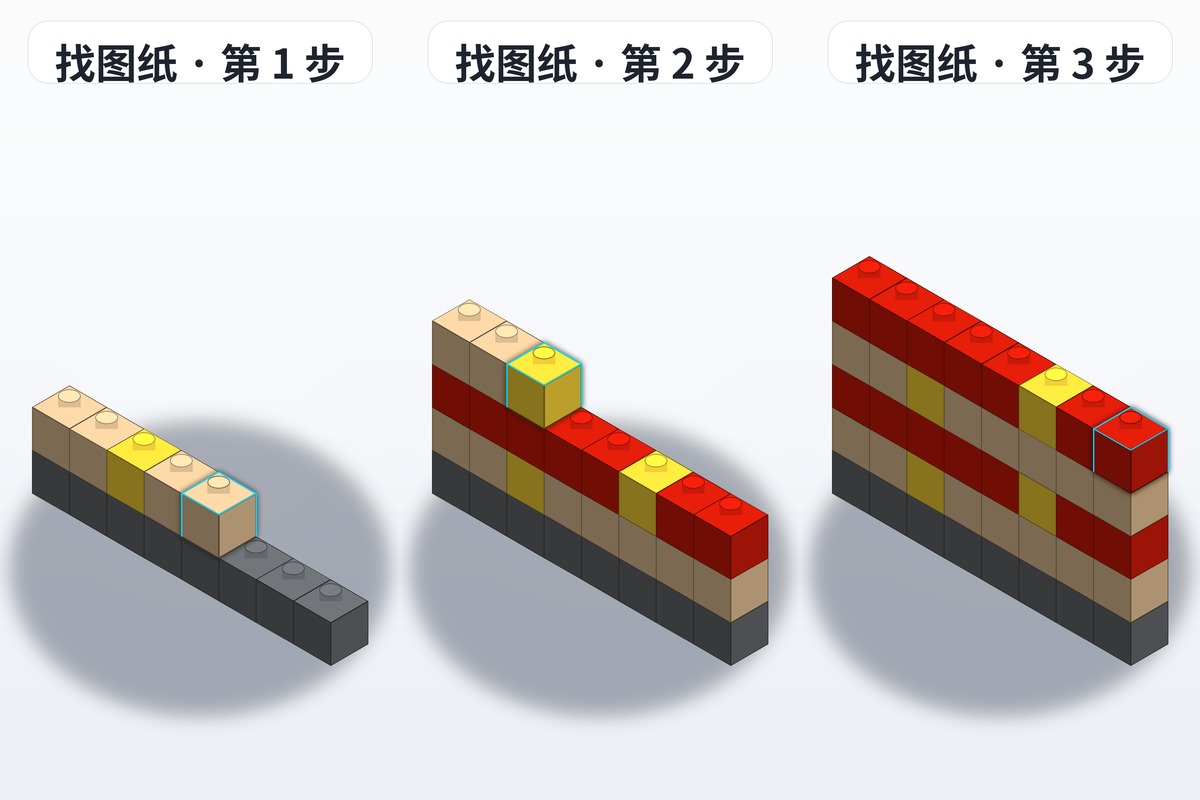
A lot of beginners believe that "real MOC builders don't need instructions." That idea is worth questioning. Even experienced MOC designers rely on instructions when they build large models. Instructions do several jobs:
- They give you structural reference: you see how different parts connect and how loads are carried through the build
- They save trial and error: no endless teardown-and-retry cycles — follow the steps and it comes together the first time
- They teach design thinking: studying someone else's instructions shows you their building logic and design philosophy
- They let you check the parts list: most instructions come with a parts list, which makes buying and sorting much easier
When you search for MOC instructions, the most important thing is matching the resource to your skill level and interests.
Chinese-language instruction sources
1. brickplan — the most active MOC community in China
First recommendation is BrickPlans. As the most specialised brick MOC instruction-sharing community in China, BrickPlans offers:
- A huge instruction library: architecture, vehicles, mechs, animals, sci-fi and more
- A full Chinese interface: no barrier for newcomers
- Detailed instruction info: every entry lists the parts list, build steps, difficulty level and required part count
- An active community: publish your builds, comment, save and like
- Free and paid side by side: free instructions for beginners to practise on, plus high-quality paid ones for advanced builders
The categories are well organised, so you can filter by theme, difficulty or part count and find the right fit fast. When it comes to instruction download channels, Chinese builders inevitably end up at brickplan.
2. Xiaohongshu / Douyin
Both platforms have plenty of brick MOC creators sharing build tutorials and instructions. Search terms like "brick MOC instructions" or "brick build tutorial" and you'll find a lot of good content. The catch is that it's scattered — fine for gathering inspiration, not great for systematically hunting down a specific set of instructions.
3. Taobao / Xianyu
Some designers sell PDF instructions for their own MOCs on Taobao or Xianyu. Prices typically run 5–30 yuan, and you can check buyer reviews before paying to gauge quality. Look at completeness and clarity first, though — the number of rough, half-finished instructions on Xianyu is not small.
International instruction sources
1. Rebrickable — the world's largest MOC instruction platform
Rebrickable is where brick MOC fans gather globally, with more than 100,000 instructions. What makes it powerful:
- Collection analysis: import the sets you own and the platform automatically suggests MOCs you can build from the parts you already have
- Parts purchasing: the parts an instruction calls for can be bought right there in one click
- Community ratings: scores and comments help you judge quality
The downsides: the interface is entirely in English, some advanced features require a subscription, and newcomers outside China need a while to get comfortable with it.
2. BrickLink Studio Gallery
BrickLink is the largest brick parts marketplace in the world, and its Studio Gallery is the instruction-sharing community built into BrickLink Studio 2.0. There you can:
- Download .SIO files directly: open them in Studio to view and modify freely
- Generate a parts list: export the full parts list in one click
- Render preview images: use Studio's render function to produce high-quality images of the model
3. Pinterest — the inspiration machine
Pinterest isn't a dedicated instruction download platform, but it's an excellent tool for finding MOC inspiration. Search "LEGO MOC" plus a theme keyword — "LEGO MOC car", "LEGO MOC castle" — and you'll see a huge number of high-quality build photos. Clicking through usually takes you to the page where the instructions come from.
How do you judge instruction quality?
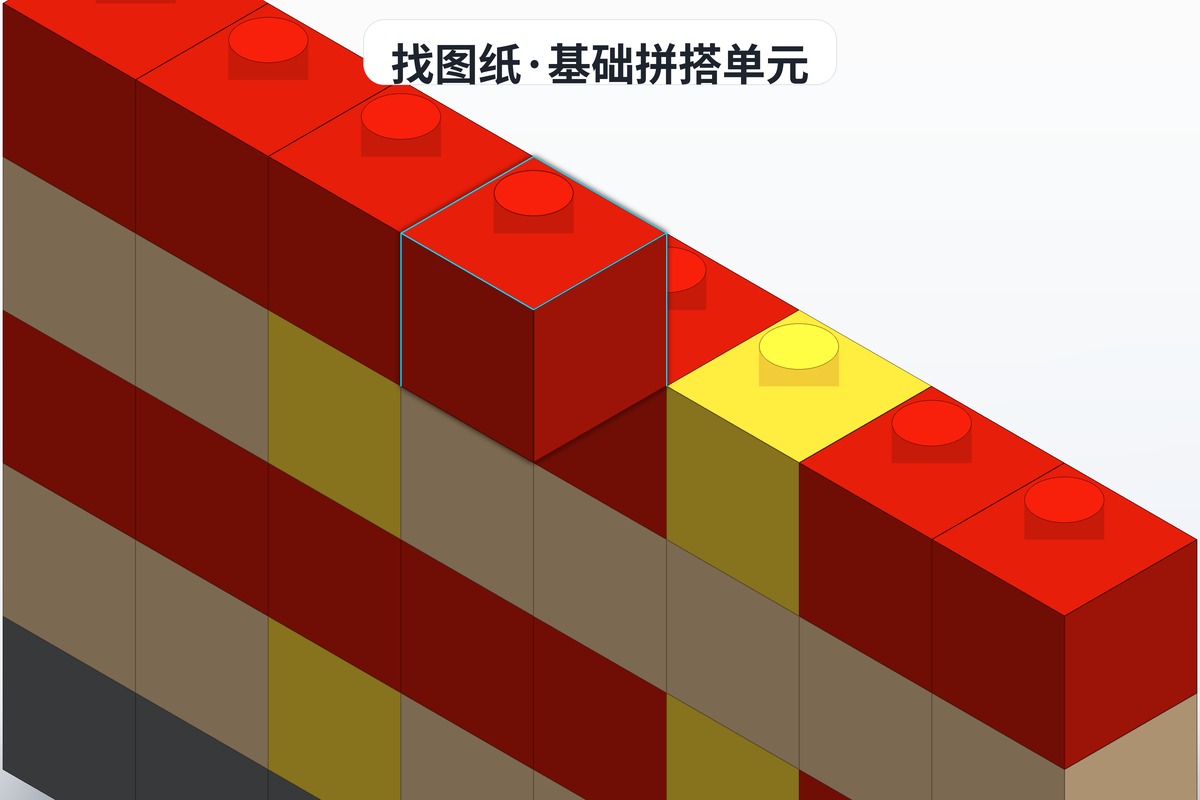
Once you know where to look, the next question is how to tell a good instruction set from a bad one. Here are some practical criteria:
1. Completeness
Good instructions include complete step-by-step diagrams, a clear parts list, and part numbers with colour callouts. If all you get is a final render with no build steps, it's probably an incomplete file.
2. Image clarity
Image resolution should be at least 1920×1080 so you can see exactly how parts connect in every step. Blurry instructions turn the build into a guessing game, and the experience is miserable.
3. User reviews
On platforms like BrickPlans and Rebrickable, other users' reviews and photos of finished builds tell you how the model really turns out. Instructions with plenty of reviews and high scores are usually a safe bet.
4. Difficulty labels
Good instructions state a difficulty level (beginner / intermediate / advanced) so you can pick according to your own ability. Don't be greedy and jump straight to an advanced set — choosing something that matches your current level gives the best building experience.
Instruction file formats
Formats vary between platforms. The common ones:
- PDF: the most universal — easy to print or read on a phone
- SIO / SI: BrickLink Studio's own format, editable inside the software
- IO: BrickLink Interactive Online format, viewable in a browser
- Image formats (JPG / PNG): step photos as images, handy on a phone or tablet
Instructions downloaded from BrickPlans are mainly PDF and image files, which have the best compatibility — no extra software needed to open them.
Copyright when using someone else's instructions
There are a few things to keep in mind:
- Respect the author's copyright: don't share paid instructions for free without permission
- Credit the original designer: when you post your build on social media, note where the instructions came from and who made them
- Separate personal use from commercial use: don't use someone else's instructions commercially unless you have explicit permission
When searching for instructions, favour ones that clearly state a usage licence. Every BrickPlans entry carries clear copyright notes, which makes them safer to use.
A few honest closing words
The channels really come down to these: brickplan for Chinese-language content, Rebrickable internationally, with everything from free inspiration images to paid premium sets in between. Instructions aren't a cage for your creativity — they're a textbook. Work carefully through a few high-quality sets and the logic of building slowly becomes yours.
Don't just hoard links. Head to brickplan, flip through a couple of pages and pick something you can start on tonight. Architecture, vehicles, mechs — there's always one that gets you out of your chair.