MOC Building Instructions for Beginners: Start Your First MOC
What Is a MOC?
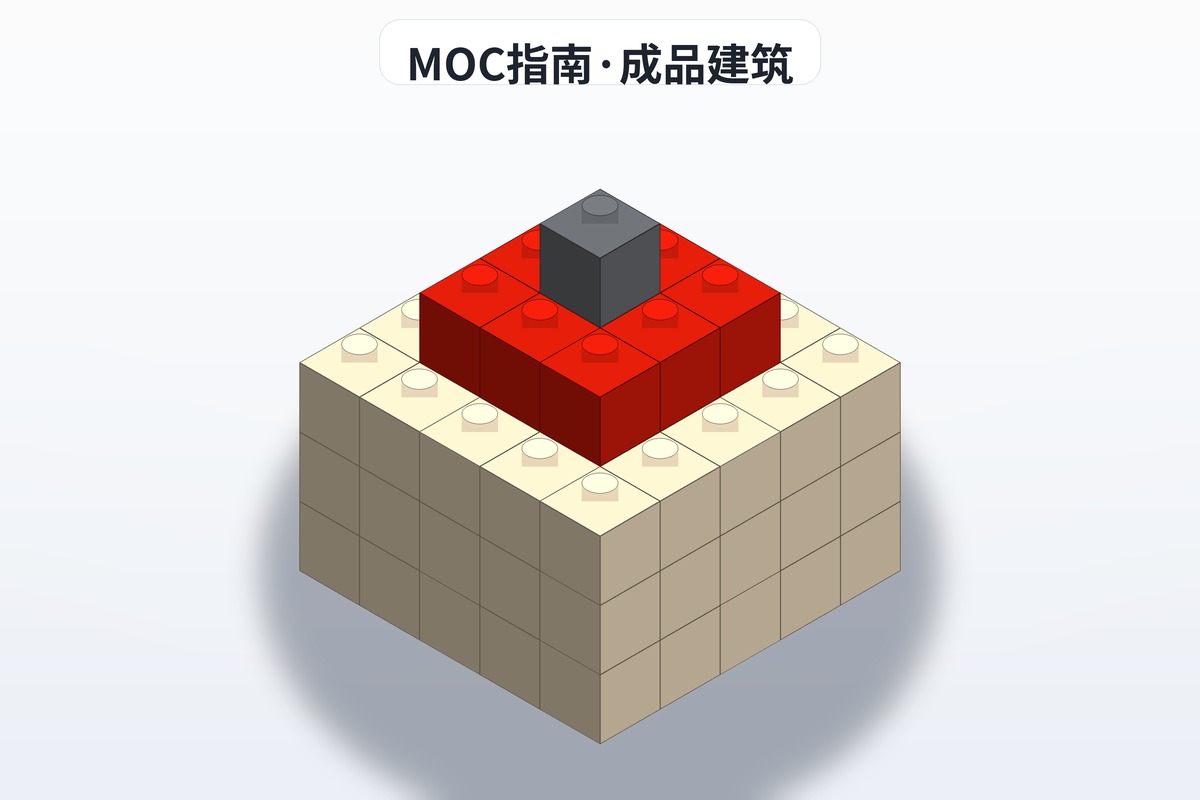
A MOC is My Own Creation — you ignore the official manual and build whatever you want. The moment you stop being someone who buys sets and start being someone who makes models, the hobby opens up completely.
In the brick community, MOCs are usually published together with building instructions, so other builders can recreate your work brick for brick. That is exactly why BrickPlan exists: so every idea has instructions someone can follow.
Step 1: Get Your Head Straight
You do not need design skills to make a MOC. You only need to be willing to try. Plenty of beginners assume they need an art background or engineering knowledge. In reality:
- 70% of MOCs start as a copy of someone else's build
- 20% add personal modifications on top of that copy
- Only 10% are fully original from the first brick
Copying first, creating later is the path every MOC builder walks.
Step 2: Prepare Your Tools and Parts
Essential tools
| Tool | Recommendation | Purpose |
|---|---|---|
| Virtual building software | BrickLink Studio 2.0 (free) | Design MOCs, generate instructions, export part lists |
| Part library | Your own brick stock + the BrickLink database | Know what you have and what you are missing |
| Instruction viewer | A browser + a PDF reader | Read MOC instructions shared by other builders |
BrickLink Studio 2.0 quick start
- Go to bricklink.com/v3/studio/download.page to download and install
- Create a new project and choose the build mode
- The part panel on the left filters by category and colour
- Drag parts into the build area and use the shortcuts (WASD to rotate, scroll wheel to zoom)
- When the design is done, click "generate instructions" to export a PDF automatically
Step 3: Start From Instructions, Not From Parts
The biggest beginner mistake: buying a pile of loose parts, opening Studio, and staring at an empty screen.
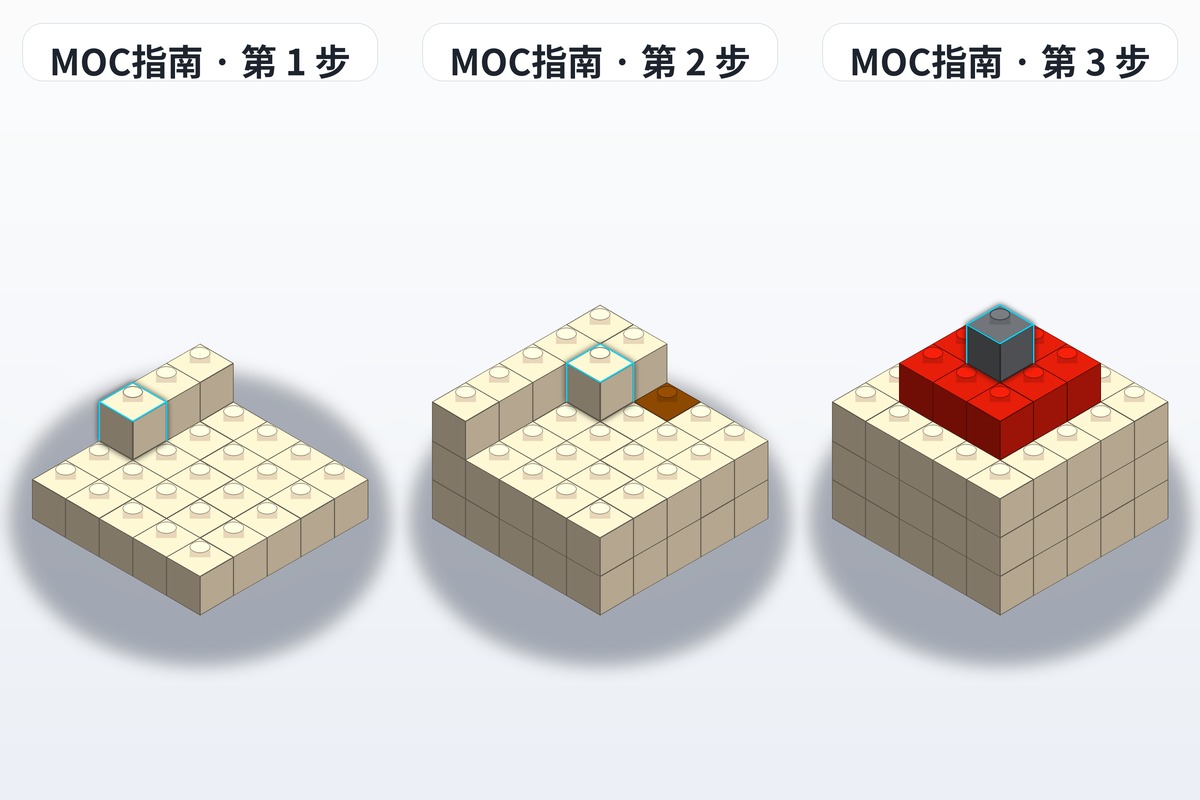
The right approach: download a set of beginner-friendly instructions from BrickPlan or another platform and build it once, following along. Along the way you pick up:
- How parts connect to each other
- Common techniques (SNOT, clip connections, brick stacking)
- How to design structures that hold together
Instruction types that suit new builders:
- Micro mechs (300-500 parts): compact structure, good poseability, quick sense of achievement
- Small street shops (400-800 parts): scene-based, wide variety of part types, simple colour schemes
- Animals and vehicles (300-1000 parts): you have a real reference, so it is easy to tell whether you built it correctly
Step 4: Modify Existing Instructions (Advanced)
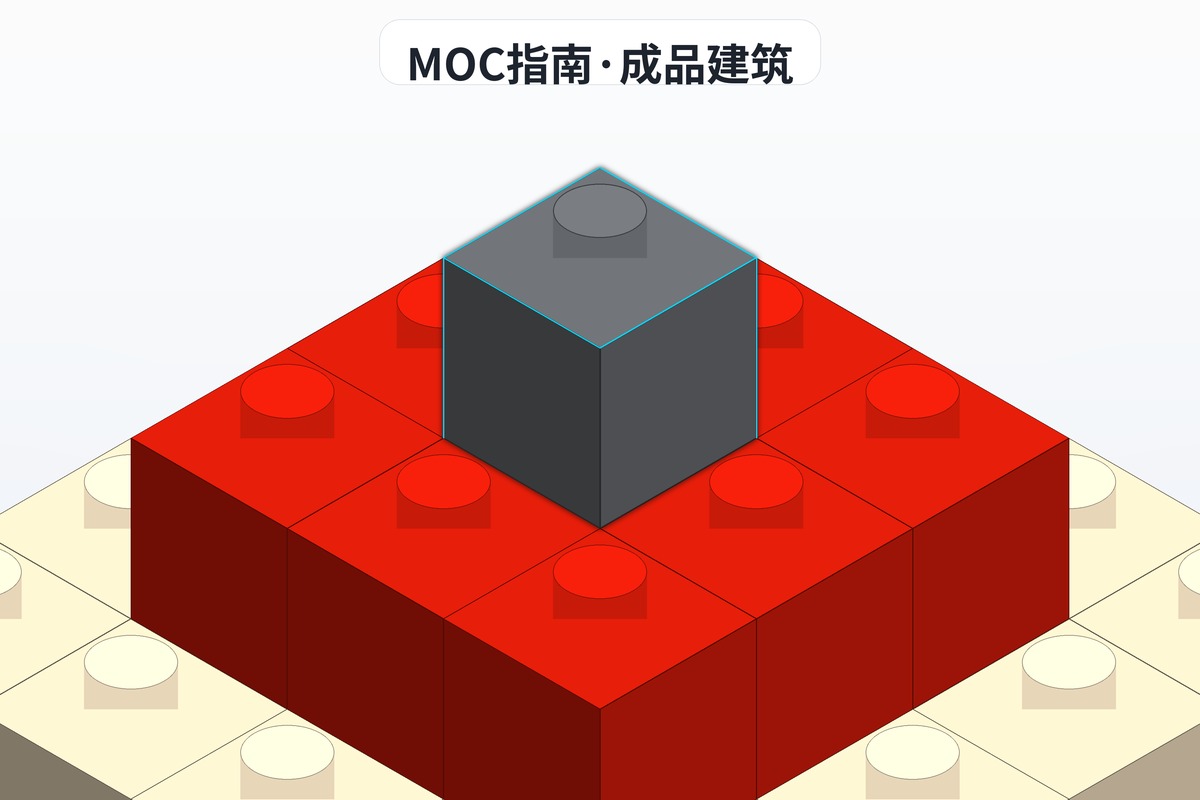
Once you have built 3-5 sets of instructions successfully, try changing them:
- Swap colours: turn the red in the instructions blue and see how it reads
- Change the scale: enlarge a small building 1.5x — you will need to add support structure
- Change the function: turn a castle gate into an opening drawbridge
- Mix themes: merge two different instruction sets, for example a cyberpunk treehouse
The point of modifying is to understand why something is built that way, not just how to build it.
Step 5: Try a Fully Original Build
When you have enough building experience behind you, design from scratch:
- Pick a subject: a castle? A race car? A mech?
- Collect reference images: search Google or Pinterest for real photos or concept art
- Set the size: decide roughly how big the finished model will be and how many parts it needs
- Build the skeleton: block out the main structure in Studio first
- Fill in detail: add decoration, texture and working features step by step
- Generate instructions: export a PDF using Studio's instruction feature
Use the 20-minute rule: if one section stalls you for 20 minutes, skip it, move to the next section, and come back later.
FAQ
Q: I don't own many bricks. Can I still make a MOC? A: Yes. Parts in BrickLink Studio are virtual, so you don't need physical bricks. Design the instructions first, then buy from the part list.
Q: How do I share MOC instructions? A: Upload them to BrickPlan with a title, category, difficulty tag and a few photos of the finished model. Other builders can then download them and recreate your work.
Q: How many parts should a beginner start with? A: 300-800 parts is a good range. Fewer feels unrewarding; many more and it is easy to give up halfway.
A Few Last Words
A MOC is not some unreachable art form — it is a way of creating that any brick builder can try. You don't need to be a designer to make a MOC. You only need to be a builder.
BrickPlan has instructions ranging from beginner to expert level, along with a friendly community. Start today: download a beginner instruction set and take your first step into MOC building.
Every MOC master started with a single brick.