Free LEGO Instructions & Blueprint Download Sites
The short answer: official LEGO PDFs for set manuals, Rebrickable and BrickLink for MOC builds with parts lists attached, and a curated index like BrickPlan when you would rather browse by theme than by upload date. All three routes are free. Only a minority of independent designers ask for a small tip, and you never have to pay to read a parts list. If you only remember one rule, remember this one: download the parts list together with the plan, because a plan without its inventory is a poster, not instructions.
The rest of this guide walks each source, the file formats you will meet, a repeatable download workflow, and the five checks that separate a smooth build from a rebuild.
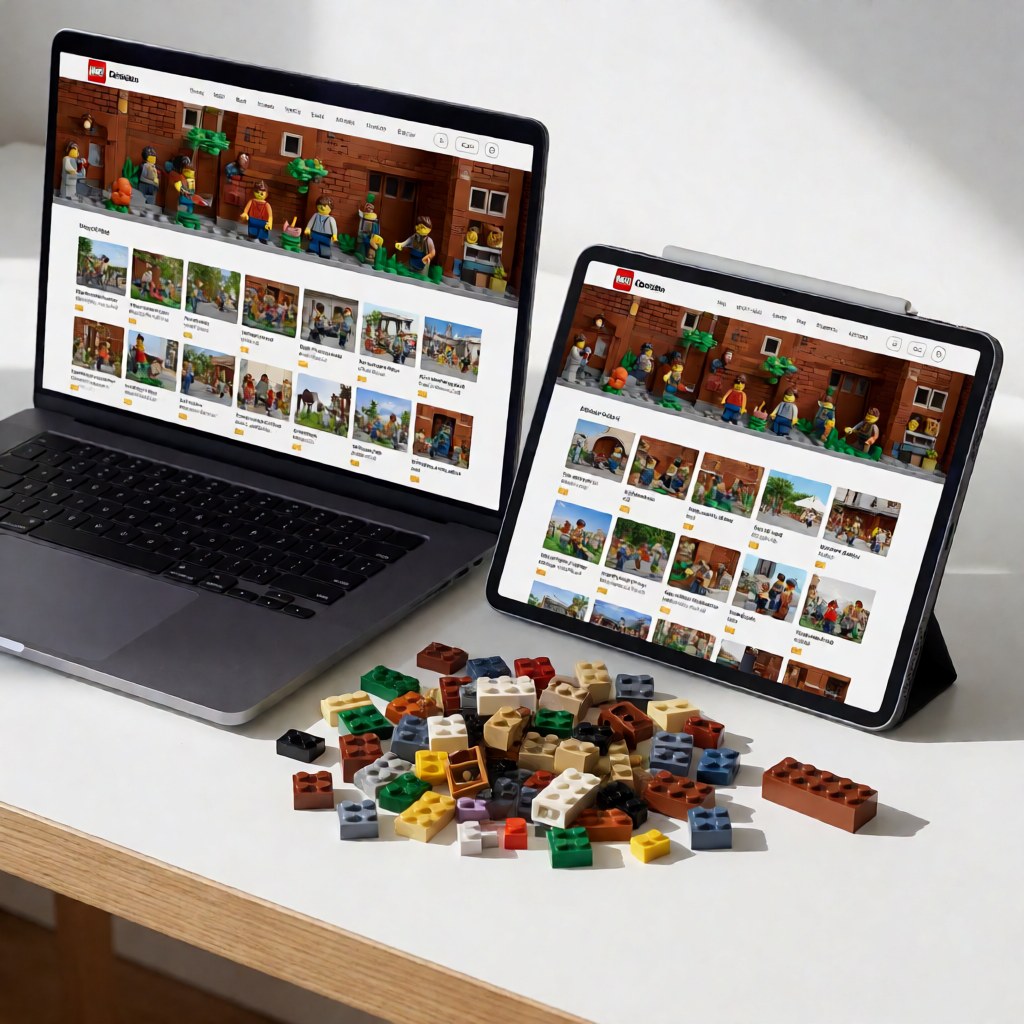
"Free" does not mean one thing
Before you compare sites, separate four very different things people call free blueprints:
| Type of file | Usually free? | Contains a parts list? | Typical source |
|---|---|---|---|
| Official set manual | Yes | Yes, as a callout page | LEGO instructions portal |
3D MOC file (.io, .ldr) |
Yes, sometimes paid tiers | Yes, generated by the software | Rebrickable, BrickLink |
| Scanned or exported PDF from a MOC file | Yes | Sometimes missing | Forums, blogs, file shares |
| Photos of a finished model | Yes | No | Social posts, forums |
The fourth row is where most wasted time lives. A gallery of build photos is not a plan. You can copy the silhouette from photos, but you cannot price or verify the build, and you will hit a step where the model has to be opened up again and the photos do not show how.
Source 1: the official LEGO instructions portal
LEGO publishes building instructions for almost everything it has shipped since the late 1990s, and more recent sets always come with a downloadable PDF. Two ways to find yours:
- By set number. Every box carries a five- or six-digit set number (42115, 10276, 75978). Type it into the search field on the portal and the file appears; the number is also printed on the first page of the printed manual.
- By set name. Works less reliably because names differ between regions. The number is the key.
What you get is a high-resolution PDF with the full step sequence plus a parts callout page at the back listing every element with its quantity. Typical file size for a large set is 20–60 MB, which is fine on a desktop and slow on mobile data.
Where this route wins:
- Rebuilding a set whose paper manual was lost or water-damaged.
- Checking completeness before buying a used set — walk the callout page against the pile.
- Studying how professional designers sequence a build, which is useful if you plan to write your own plan later.
- Getting the correct colour and part variants for a set: official manuals are the reference, and third-party scans are not.
Where it loses: official sets only. If the model in front of you is a MOC, no amount of searching will help.
Source 2: Rebrickable — the largest MOC index
Rebrickable is the community catalogue of alternate builds and original designs. Numbers to set expectations: the site hosts tens of thousands of user-submitted MOCs, and its set database covers essentially every LEGO set ever produced.
The workflow that makes it valuable:
- Create a free account.
- Add the sets you already own to your collection.
- Open any MOC and use the "build this" analysis. The site subtracts your collection from the MOC's inventory and returns only the parts you are missing, with quantities and colours.
- Export that gap list, then price it in one pass instead of buying blind.
That single feature is why Rebrickable is the default for parts-buying. A 2,000-part MOC where you already own 1,700 parts is a 300-part purchase, not a 2,000-part one, and the price difference is typically a factor of five or more.
Formats on Rebrickable are usually .io (BrickLink Studio 2.0) or .ldr/.mpd (LDraw). Both open in free software. Some designers also upload a PDF instruction export, which is the friendliest option for phone or tablet builders.
Source 3: BrickLink and Studio 2.0
BrickLink is a marketplace first and an archive second, but the two halves reinforce each other. Its catalogue holds per-part data on which sets contain a part, which colours it was made in, and which sellers have stock right now.
Practical uses beyond downloading:
- Design ID search. Type
3001and you get the 2x4 brick, every colour, and the current price per piece. That is the accurate way to estimate a build's cost before committing. - Wanted lists. Upload or paste the parts list from your plan, and BrickLink converts it into a shopping list, auto-selecting sellers by region and by how much of the list they stock. Splitting across two or three sellers usually beats buying everything from one.
- Studio 2.0. Free desktop software from BrickLink that opens
.iofiles, renders the model in 3D, and generates a step-by-step instruction PDF from any design you want to modify.
One honest caveat: the interface looks like 2008 and there is a learning curve. Expect an evening to feel fluent, and know that the data quality is worth it.
Source 4: curated indexes and BrickPlan
Aggregators exist for one reason: the two international sources above are organised by upload and by part, not by what a beginner actually searches for.
BrickPlan (brickplan.cn) indexes high-resolution plans by category and tag, with parts lists and step notes written in plain English. Every blueprint page lists the parts used, so you can price a build before starting it. Compare that to reconstructing a parts list from a forum thread posted in 2019 — for a first MOC, the index is simply faster.
For brick-only questions, the same principle applies: a parts page with a design ID beats a forum post with a photo and a guess.
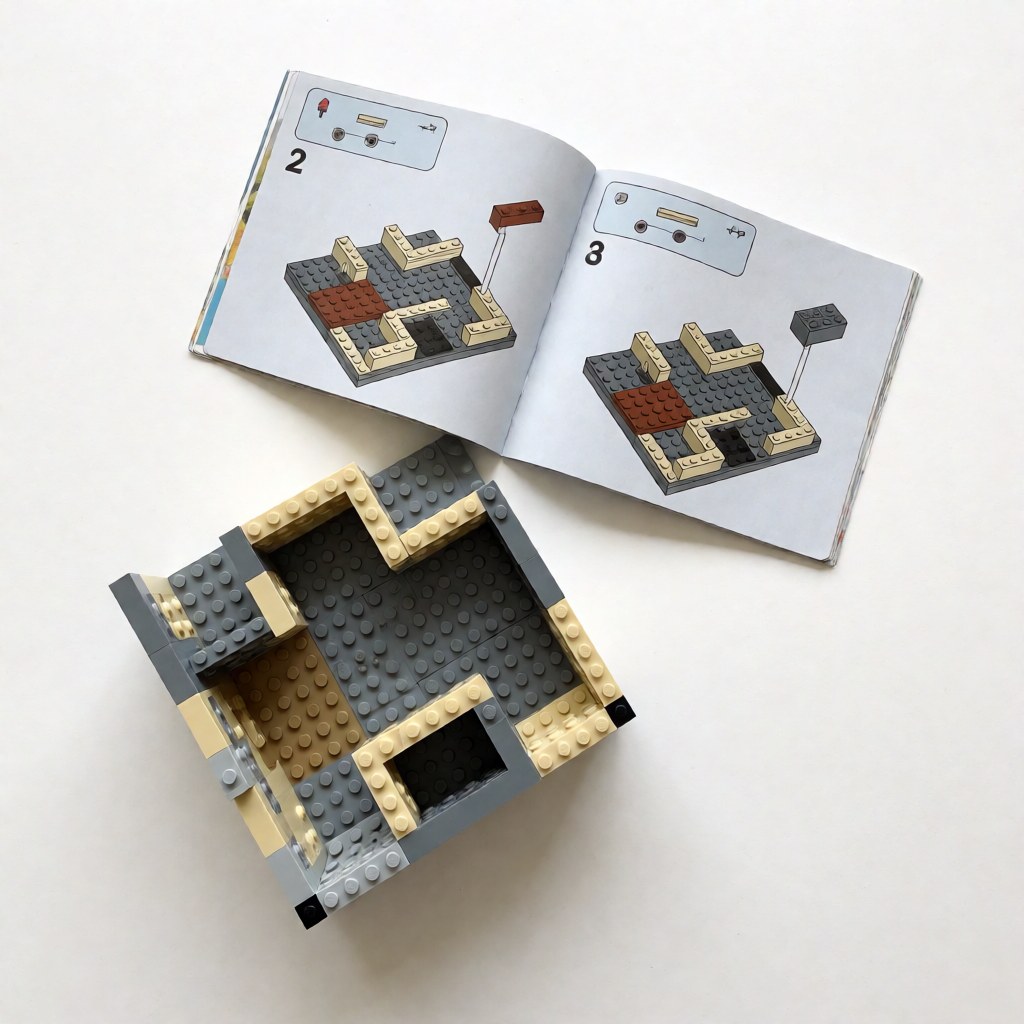
Choosing a source: the comparison table
| Source | Coverage | Formats | Account needed | Cost | Best for |
|---|---|---|---|---|---|
| Official LEGO portal | Official sets | No | Free | Manuals, completeness checks | |
| Rebrickable | MOCs + sets | .io, .ldr, PDF |
Yes (free) | Free tiers | Finding a MOC, gap lists |
| BrickLink | Parts + MOC designs | .io, part data |
Yes (free) | Free + marketplace | Pricing, shopping lists |
| BrickPlan index | Curated plans by theme | PDF, image series | No | Free | First build, theme browsing |
Which file format should you download?
| Format | Best for | Watch out for |
|---|---|---|
| Printing, tablet reading, large builds | 20–60 MB files; phone zoom is painful | |
.io (Studio 2.0) |
3D preview, automatic parts list, editing | Needs desktop software |
.ldr / .mpd (LDraw) |
Legacy plans, huge community library | Older render quality, clunkier UI |
| Image series | Quick phone reference | No parts list, easy to lose your place |
If you are deciding for a first build, take the PDF. If you intend to modify the design, take the .io file, because every change updates the parts list automatically.
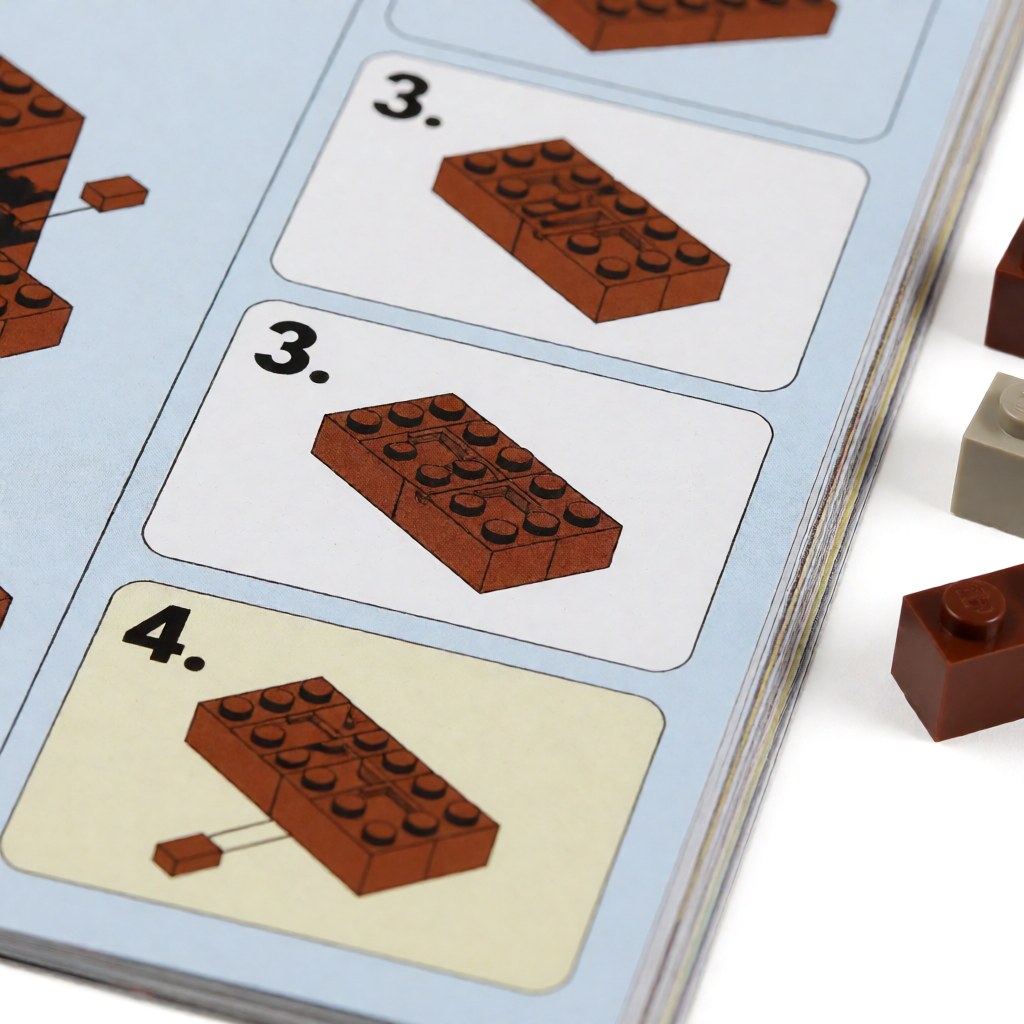
A repeatable download workflow
Eight steps, in order. Skipping step 3 is the most common mistake.
- Identify the model precisely. Set number, or MOC designer plus model name. Two MOCs often share a nickname.
- Download the plan and the parts list together. If the download page has no parts list, look for a separate inventory file before giving up.
- Open the last step first. The finished photo tells you whether the design matches what you expected. Far cheaper than discovering a mismatch at step 180.
- Cross-check the parts list against the plan. Counts drift when a designer revises a plan but leaves the old inventory online.
- Price the rare parts. The cost of a build is set by the parts you lack in the right colour, not by the total part count.
- Sort before you build. Sort by part type, not by colour — types are what the instructions ask for, colour is noise once the parts are on the table.
- Print at 100% or read on a tablet at a fixed zoom. Scaling a PDF down to save paper hides the small callout images, and that is where errors start.
- Store the file with a note of the source and licence. Six months later you will not remember where it came from, and you may want to credit the designer.
Five checks before you start building
- Part-count sanity. A model described as "1,200 pieces" whose parts list totals 800 is either a partial plan or a typo. Find out which now.
- Colour availability. Some colours were produced for one set and retired. Verify availability with the design ID plus the colour code before you fall in love with a colourway.
- Structural load. Plans that hang weight off a thin column or a single-stud connection are common; plan for an internal reinforcement even if the plan does not show one.
- Sticker dependence. Plans that rely on printed stickers or printed parts are hard to complete. Check the callout pages before buying.
- Licence terms. Personal and family builds are fine almost everywhere. Commercial use, bulk redistribution, or reposting someone else's PDF as your own is not, unless the licence says otherwise.
The real cost of a "free" plan
Free refers to the file, not the bricks. A realistic parts-cost band for common elements (2026, typical marketplace prices per piece):
| Part | Design ID | Typical price per piece (USD) |
|---|---|---|
| 1x2 brick | 3004 | 0.05 – 0.09 |
| 2x4 brick | 3001 | 0.10 – 0.18 |
| 1x4 plate | 3710 | 0.03 – 0.06 |
| Technic pin | 2780 | 0.02 – 0.05 |
| Minifigure torso | 973 | 0.35 – 1.20 |
A 2,000-part model made mostly from common bricks in basic colours lands somewhere between 120 and 250 USD if bought piece by piece, and noticeably less if you already own a large share. Rare colours, printed parts and minifigure components are where budgets break — a single exclusive printed torso can cost more than 300 ordinary bricks.
Common failure modes and their fixes
- Dead download links. Old forum attachments rot. Search the model name plus the designer on a current index instead of digging through archive pages.
- Password-protected archives. A red flag in this space; reputable sources do not ship password-protected RARs. Treat as suspect and find another source.
- Low-resolution scans. A 900-pixel-wide scan of a 200-step manual is unusable. Check the file size: a genuine large-set PDF is tens of megabytes, not 300 KB.
- Wrong scale. Printed pages that were scaled to fit an A4 sheet hide callout detail. Reprint at 100% or read on screen.
- Missing final assembly photos. Without a finished photo you cannot tell whether the model is meant to look like the render. Ask the designer before you start.
FAQ
Q: Are free LEGO instructions legal to download? A: Yes, for personal use. Official PDFs are published by LEGO itself, and MOC designers share their files under their own licences — usually free for personal builds and restricted for commercial use.
Q: Can I open a MOC file without buying software?
A: Yes. Studio 2.0 from BrickLink and the LDraw suite are both free, and both open .io and .ldr files. A phone or tablet is not enough for a 3D file — use a desktop.
Q: Why is a plan missing its parts list? A: Usually because it was uploaded as images rather than a 3D file. Search for the same model on Rebrickable or BrickLink, or ask the creator in the comments — most respond.
Q: Do I need to buy new bricks for every plan? A: No. A parts list is a shopping list only for what you lack. Reusing what you own and ordering the remainder individually is almost always cheaper than buying a bulk lot.
Ready to build something? Browse the BrickPlan blueprint library and pick a design you already own most of the parts for.