Free LEGO Blueprints 2026: Every Source Worth Using
Free blueprints are not scarce in 2026 — the problem is that the good ones sit next to unusable ones, and nothing on the download page tells you which is which. Use official LEGO PDFs for set manuals, Rebrickable for MOC plans with a parts list, BrickLink Studio for editable files, and an indexed library like BrickPlan when you want plans sorted by theme. Then run the four-step verification below before you trust any download.
This is the 2026 catalogue: what each source actually covers, which formats it hands you, and what it costs you in time — plus the archiving routine that stops you hunting for the same plan twice.
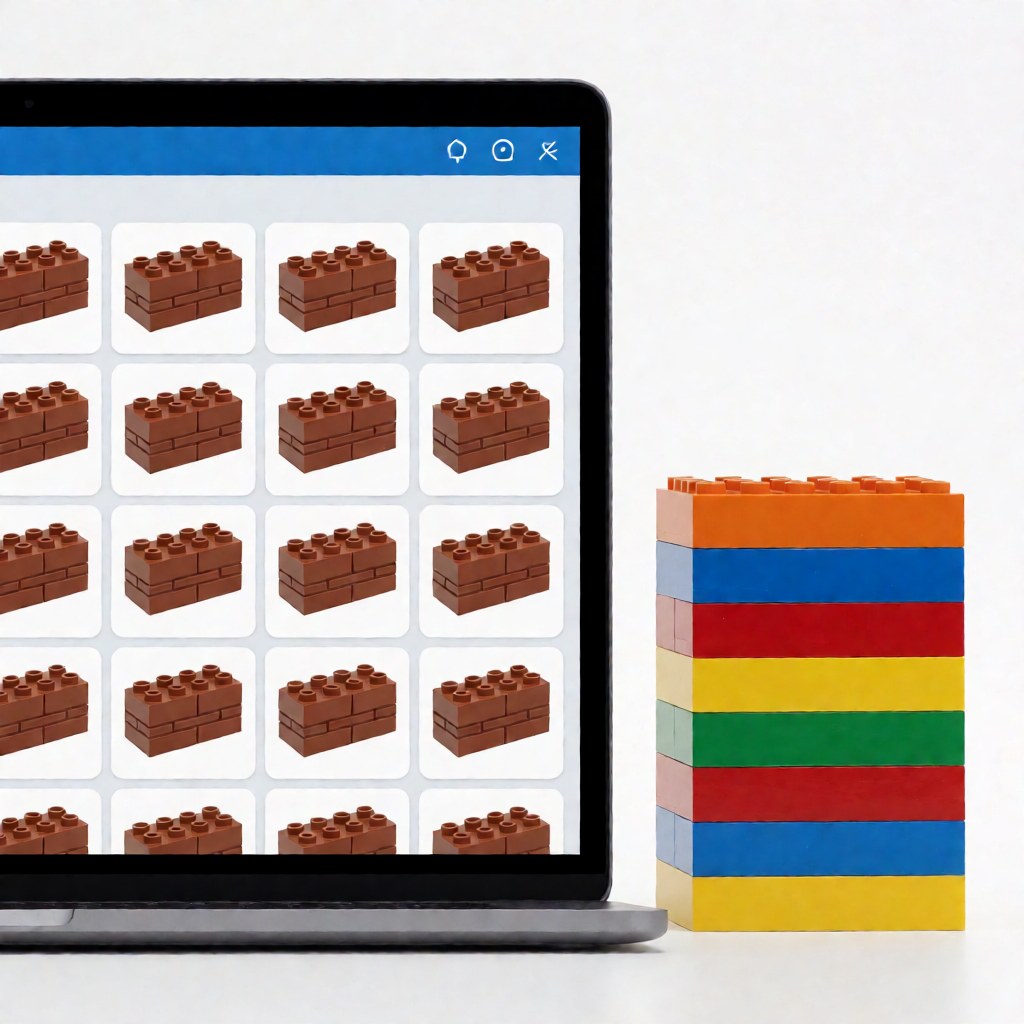
What "free" covers in 2026
| Source | Coverage | Formats | Account needed | Best for |
|---|---|---|---|---|
| Official LEGO instructions | 2,000+ sets, including many retired ones | PDF, in-browser viewer | No | Set manuals, completeness checks |
| Rebrickable | 100,000+ MOCs plus set database | .io, .ldr, PDF exports |
Free account | MOC plans, missing-parts maths |
| BrickLink Studio | Full part catalogue, editable designs | .io + generated instructions |
Free account | Editing a design, making your own plan |
| BrickPlan index | Curated plans by theme and difficulty | PDF, image series | No | Browsing by theme, first builds |
| LEGO Ideas | Selected community designs | PDF for published projects | No | Well-documented display builds |
| Brand community hubs | Plans matched to that brand's parts | PDF, images | Sometimes | Parts you already own in a specific brand |
| Video platforms | Build-along walkthroughs | Video, no downloadable plan | No | Techniques rather than a full plan |
| Social pinboards | Visual inspiration only | Images | Free account | Choosing a subject, not a plan |
Two honest observations about this list. First, the sources with the largest catalogues are the least organized — you arrive with a search term, not a browsing path. Second, "free" usually refers to the file; the parts are never free, and a plan whose parts list calls for retired colours can cost more than a used set.
Official LEGO PDFs: still the baseline
The official instructions page indexes more than 2,000 sets. The routine is three steps:
- Find the set number — five or six digits, printed on the box, on the cover of the paper manual, and often inside the torso of a minifigure in the set.
- Search that number on the instructions page. Names vary between regions; the number does not.
- Preview in the browser, then download the PDF if the resolution holds up when you zoom into a dense sub-assembly.
Many retired sets are still listed, which makes this the only reliable route for rebuilding something discontinued. Where it fails is originality: official sets only, and no parts list beyond the callout page.
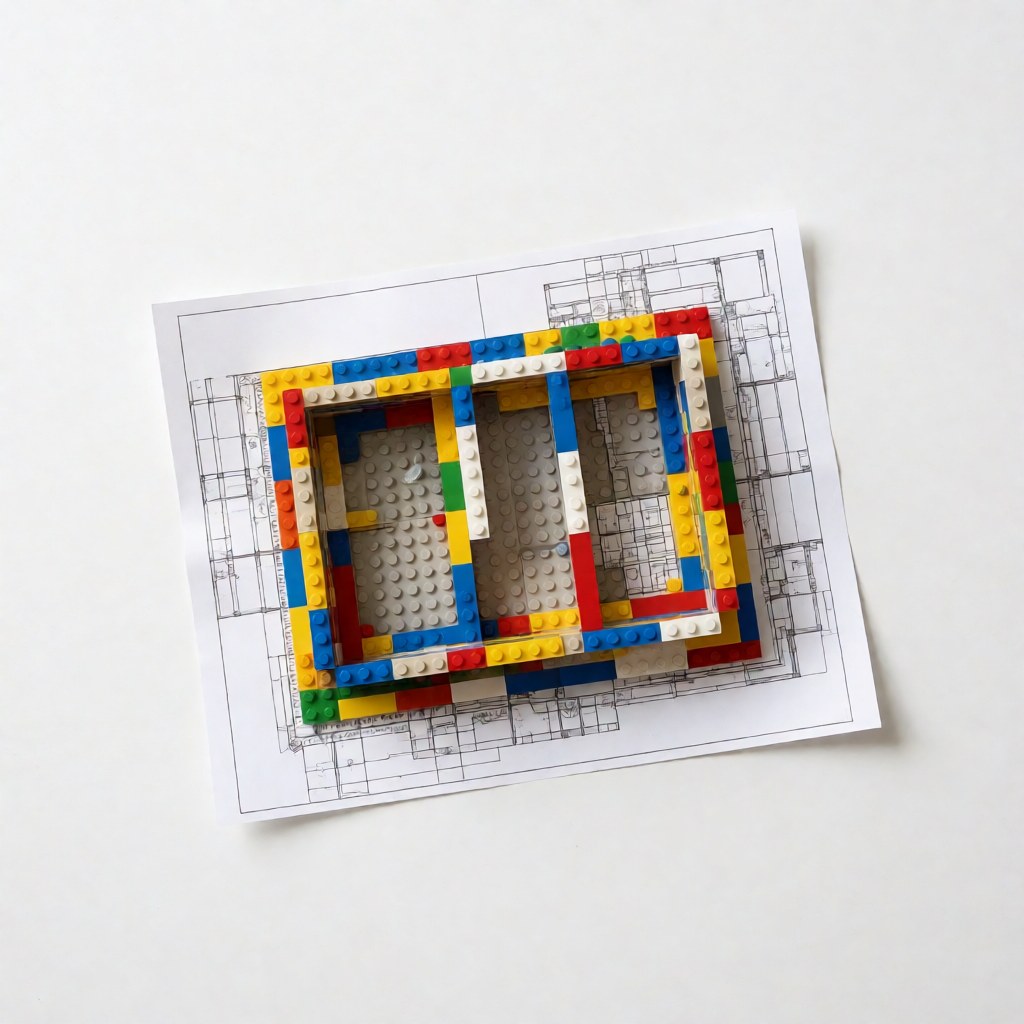
Rebrickable and BrickLink Studio: the MOC engine room
Rebrickable hosts over 100,000 user-submitted MOCs. The feature that makes it indispensable is inventory maths: add the sets you own, and the site returns only the parts a given plan is missing, with quantities and colours. A 1,500-part MOC where you already own 1,100 parts is a 400-part purchase, and the difference in cost is often a factor of four.
BrickLink Studio is the other half. It opens .io files, renders them in 3D, and regenerates step-by-step instructions from any design — which means you can take a plan you downloaded, adjust the colours or the footprint, and produce an updated instruction set that matches your own parts bin.
The trade-off on both platforms is the interface. Studio in particular has a learning curve measured in evenings, not minutes.
Editing and verifying: the four-step check
Run this on every download before you spend money:
- Open the last step first. The final image tells you whether the model matches what you expected. Ten seconds here beats discovering a mismatch at step 200.
- Cross-check the parts list against the plan. Counts drift when a designer revises the model but leaves the old inventory file online.
- Check the version date. Some plans are revised repeatedly, and parts lists change between revisions. Prefer the newest file and note which revision you have.
- Zoom into one dense step. If the callout arrows and part edges blur, the file cannot be built from — no matter how good the finished render looks.
Printing, tablets and archiving
Practical handling matters more than most people expect:
- Print at 100% or read on a tablet at fixed zoom. Scaling to fit a sheet of paper hides small callouts, and that is where build errors begin.
- Prefer a tablet over a phone. A 10-inch screen shows a full step without panning; a phone forces you to zoom and lose the surrounding context.
- Name files by set number or plan name, not by download date.
10276-ferris-wheel-v2.pdfis searchable six months later;download(3).pdfis not. - Store the parts list next to the plan, not in a separate folder. When you return to a build, the two files are always needed together.
- Keep one archive folder and back it up. Plans disappear when designers delete accounts or hosting lapses, and re-finding a delisted plan is often impossible.
Sorting a plan by difficulty before you start
A quick sizing guide for choosing your next build:
| Part count | Typical build time | Who it suits |
|---|---|---|
| Up to 300 | 1–2 hours | First MOC, testing a technique |
| 300–800 | 3–6 hours | Beginners with one build behind them |
| 800–2,000 | 8–15 hours | Confident builders, display models |
| 2,000+ | 20 hours and up | Experienced builders, modular or Technic |
Also check the step count rather than only the part count: a plan with 150 steps and 900 parts is dense, and dense plans hide errors for longer.
Six faults that make a plan unusable
Reject the file, not the model, when you see any of these:
- A 300 KB "high-resolution" PDF for a 1,500-part model. A genuine plan of that size runs to tens of megabytes. Tiny files are downscaled or screenshot-compressed, and the callout numbers will be unreadable.
- Steps rendered at low resolution but a beautiful cover image. The cover is a render; the step pages are what you build from. Judge the worst page, not the best.
- No callout images on a dense sub-assembly. If a step adds eleven parts and shows only the finished cluster with no exploded view, you will guess, and guessing costs a rebuild.
- A parts list that disagrees with the model. Count the pillars, the windows and the wheel sets. If the inventory file is off by more than a few percent, the plan was revised without updating it.
- Missing final photograph. A plan with no photo of the assembled model gives you nothing to check your progress against.
- Password-protected archive. Reputable sources do not distribute plans inside password-locked RAR files. Treat it as a signal and find another source.
Keeping the library fresh: a monthly routine
Free sources change constantly — designers delete accounts, hosting lapses, platforms reorganise their catalogues. Thirty minutes a month is enough to stop losing plans you already found:
- Collect, then archive. Download any plan you intend to build to local storage the same day you find it. Bookmarking is not archiving.
- Keep one folder per project, named with the model and part count:
10276-ferris-wheel/containingplan-v2.pdf,parts-list.csvand a one-linesource.txtnoting where it came from and under what licence. - Re-check the source quarterly. If a plan has been revised, replace the file and keep the old one as
-v1— revisions sometimes change the parts list. - Back up the folder. An external drive or cloud sync is enough. Plans are far easier to lose than physical parts.
A collection organised this way makes the next build much faster: you open a folder and everything the build needs is already in it.
Where the free routes fall short
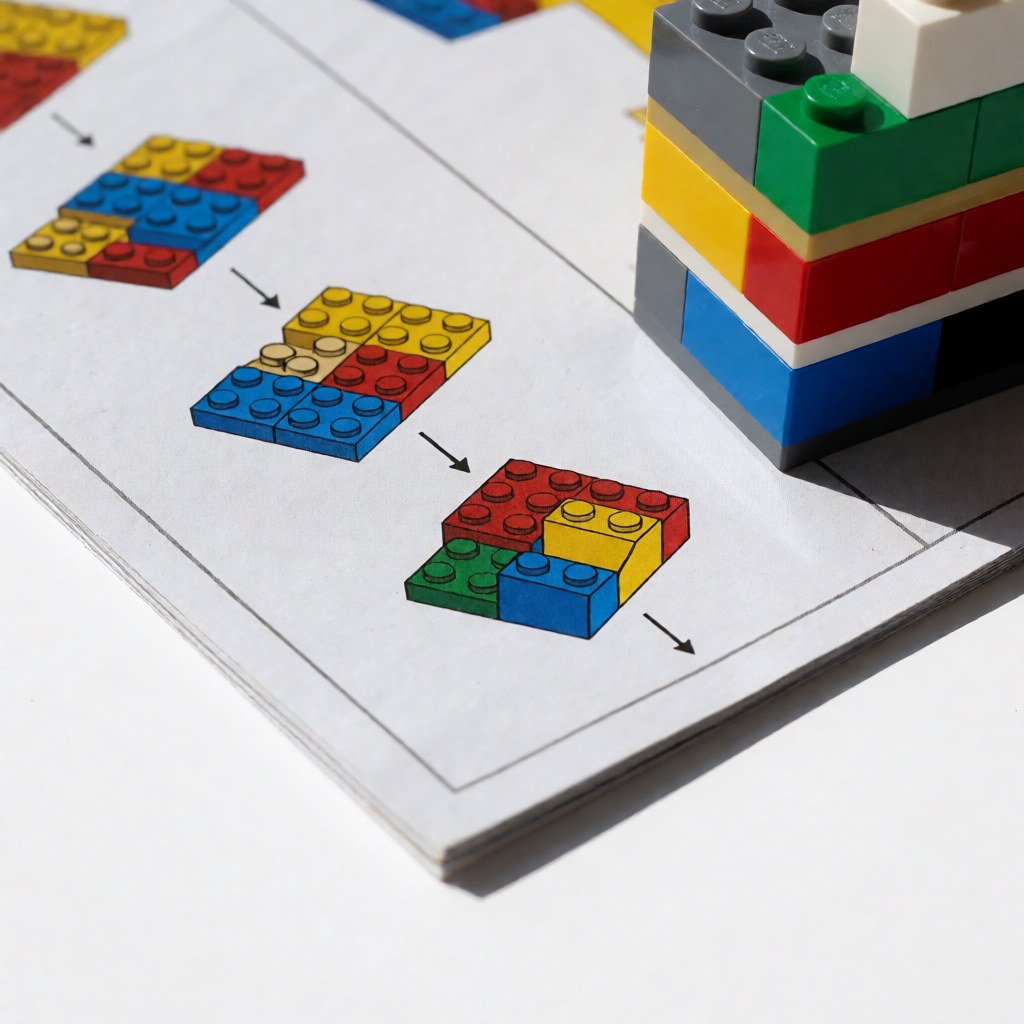
Three limits worth planning around. Rare colours: a plan built around a discontinued colour is hard to complete, and third-party sellers price scarcity accordingly. Sticker and printed parts: plans that depend on printed elements cannot be completed from generic parts. Copyright: personal and family builds are fine almost everywhere, but commercial use, bulk redistribution, or reposting someone's file as your own requires the licence to say so.
FAQ
Q: Are 2026's free blueprint sources better than they were a few years ago? A: The coverage is much wider and high-resolution PDFs are now standard on the major platforms. The weak point has moved from availability to curation — you are more likely to waste time on a poor file than to find nothing at all.
Q: Do I need an account to download anything free? A: Not for official LEGO PDFs or for an indexed library. Rebrickable and BrickLink both need a free account before they will hand you files or parts lists.
Q: Can I modify someone else's blueprint?
A: For personal use, yes — that is what .io and .ldr files are for. Publishing the modified plan, or selling it, depends on the licence the original designer attached.
Q: How do I keep a plan working years later? A: Keep the plan, the parts list and a note of the source in one folder, and store that folder somewhere backed up. Files vanish more often than parts lists change.
Start from the BrickPlan blueprint library, pick a plan in your part-count band, and run the four-step check before you buy a single piece.