Where to Find LEGO MOC Instructions: 10 Sources
Start by deciding what you actually need, because the ten best sources serve five different jobs: a finished plan, a design tool, inspiration, parts, or a build-along video. If you want a downloadable plan, go to an indexed library like BrickPlan for theme browsing, Rebrickable for the largest MOC catalogue, or the official LEGO instructions page for a set manual. If you want to design your own, go to BrickLink Studio. Everything else on this list covers the other three jobs.
The most common beginner mistake is not a shortage of sources — 2026 has more free plans than any previous year. It is choosing the wrong kind of source, then concluding nothing good exists.
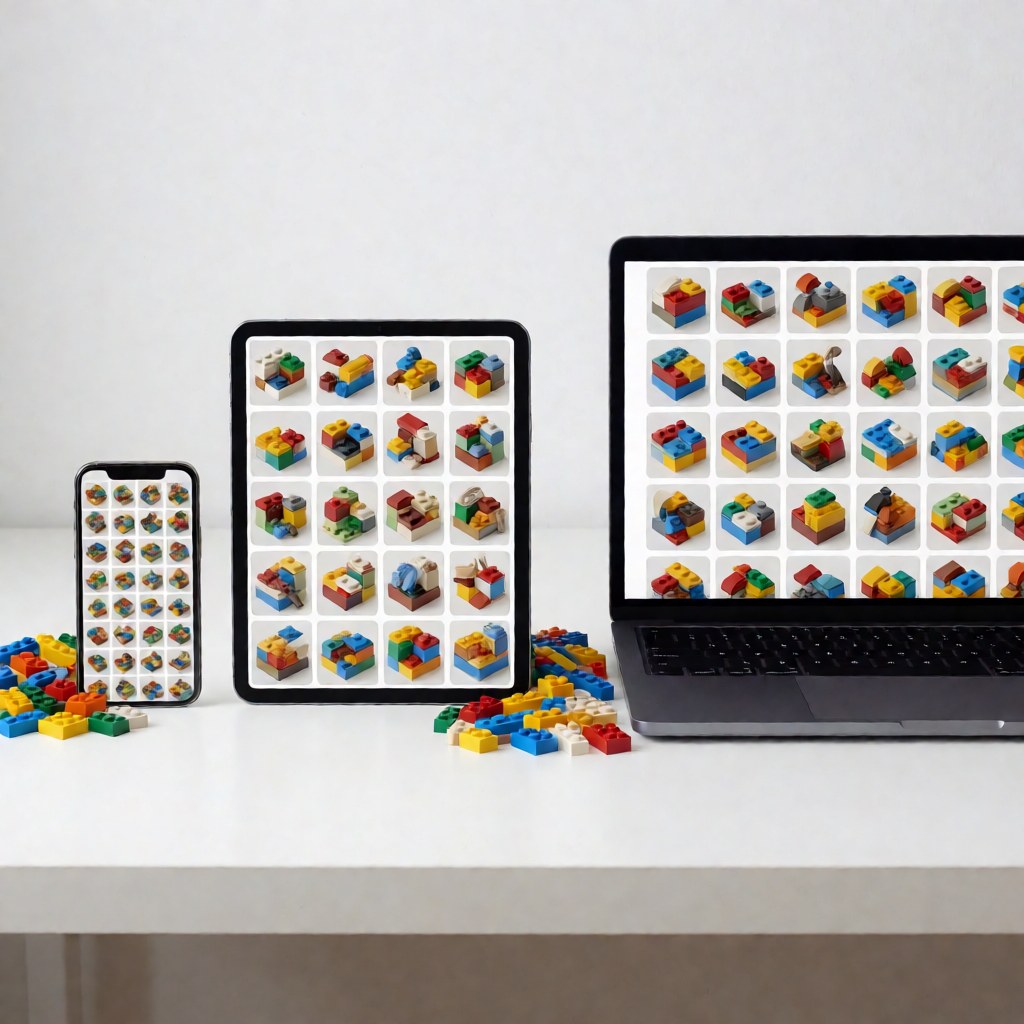
The five jobs and the source that does them
| What you need | Go to | Why |
|---|---|---|
| A downloadable plan, browsable by theme | BrickPlan (brickplan.cn) | Indexed by category and difficulty, parts list on every page |
| The largest MOC catalogue with gap analysis | Rebrickable | 100,000+ MOCs, subtracts your own parts |
| To design or modify a model yourself | BrickLink Studio | Free desktop tool, generates instructions |
| An official set manual | LEGO instructions page | 2,000+ sets, PDF, no account |
| Parts, including hard-to-find ones | BrickLink marketplace, brand stores | Inventory and price data per design ID |
| Inspiration before you commit | Pinterest, video platforms, social feeds | Visual search, no download needed |
| A build-along walkthrough | Video platforms | Shows the tricky steps in motion |
1. BrickPlan — the practical entry point
BrickPlan (brickplan.cn) indexes plans by category, theme and difficulty, and every blueprint page lists the parts used. For a first build that matters more than catalogue size: you can see what a plan costs in parts before committing to it, and you can browse by "what I feel like building tonight" rather than by search term. Coverage runs from 300-part micro models to 5,000-part display pieces.
2. Rebrickable — the largest catalogue
Over 100,000 user-submitted MOCs plus a set database covering essentially every set ever released. The inventory feature is the reason to use it: add your collection and the site returns only the missing parts for any plan. Expect a real learning curve on the interface, and expect to spend an evening on your first search.
3. BrickLink Studio — design and instructions in one tool
Studio opens downloaded .io design files, renders them in 3D, and generates step-by-step instructions from any model you build or load. It is also the tool that lets you take a plan you downloaded and change the colours or dimensions to match the parts you own. Free, desktop only.
4. Official LEGO instructions — the set manual source
The official page indexes more than 2,000 sets, including many retired ones, and serves PDFs with no account required. It also powers the LEGO Builder app, which renders instructions with 3D interactive views — useful for dense sub-assemblies where a flat drawing is ambiguous.
5. Brand part stores — where the parts actually come from
Plan first, parts second. Once a plan is in hand, the design IDs in its parts list are what you shop with. BrickLink gives per-part price history and seller inventory; compatible-brand stores are often cheaper for bulk standard bricks. Buying a plan's parts in one order from a single seller usually beats splitting across three to save a few cents on shipping.

6. Video platforms — see the sequence, not the steps
A build-along video will not give you a parts list, and it is a poor substitute for a plan. What it does better than any PDF is show how a technique behaves: how much force a clip needs, how a sub-assembly rotates into place, where the designer pauses. Watch one before attempting an unfamiliar technique, not instead of downloading the plan.
7. Social pinboards — for choosing a subject
Pinboards and image feeds are the fastest way to decide what you want to build. Spent deliberately — thirty minutes, a narrow subject — they answer "which model" rather than "which plan". Do not try to build from them: photo galleries rarely show the interior structure, and the underside is exactly where the answer usually is.
8. Idea and design galleries — published concepts
Idea-style galleries collect finished community designs. The build documentation varies: some projects publish full instructions, others only renders. Treat them as a shortlist source and check each entry for a downloadable file before you invest hope in it.
9. Community forums and groups — the question you cannot search
Forums are the worst place to find a plan and the best place to solve the problem you cannot phrase as a search. Three things they do well: identifying a model from a photo, judging whether a plan's structure will hold, and telling you which substitute colour looks closest in person.
10. Second-hand marketplaces — parts and completed models
Second-hand listings are where bulk parts live. Buy a photograph of the actual pile, not a stock image, and check the part number rather than the name: "1×4 plate" returns several incompatible moulds. Used models are also worth watching if you want the parts rather than the build experience.
The search formula that actually works
[subject] + MOC + [platform] — for example lighthouse MOC rebrickable, not lego lighthouse instructions. Adding the platform is what separates a plan from a pile of product listings. Two refinements:
- Add the part count when you know your budget:
tank MOC 800 parts. - Add
pdfwhen you want a printable plan rather than a 3D file.
Keep the term in English even on a Chinese platform: the majority of plan titles and tags are English, so a translated search term returns less.
Choosing when two sources both look right
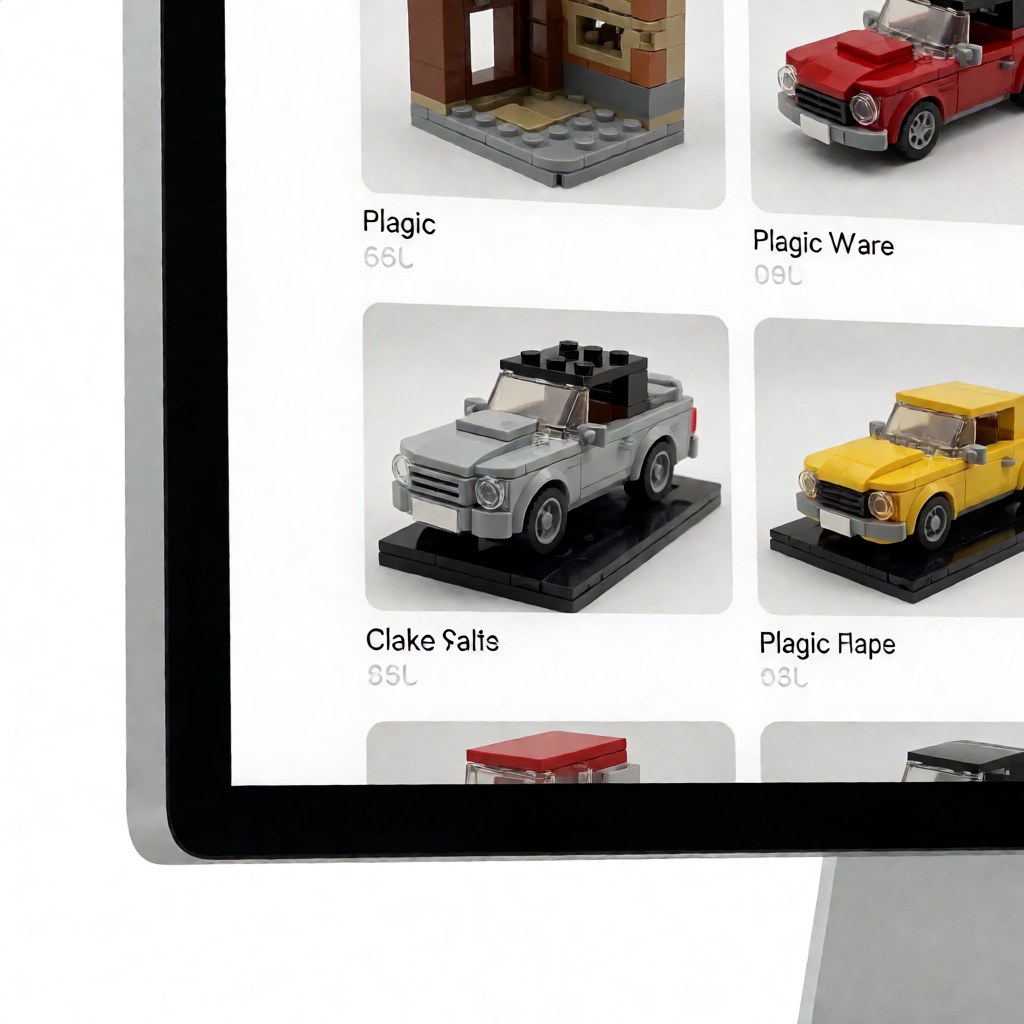
Three tie-breakers, in order. First, does the page list the parts? A plan without an inventory is a poster. Second, does it show the finished model photographed rather than only rendered? Renders hide sag, gaps and stress marks. Third, is the file versioned? Plans that get revised usually say so, and the revised version is the one worth building.
Setting up a shortlist in ten minutes
- Decide the job: plan, tool, inspiration, parts or technique.
- Pick the matching source from the table above; do not browse five at once.
- Search with the formula, filtered by part count.
- Open the last step of two candidate plans and compare the finished photos.
- Check the parts list total against what you already own.
- Download the plan and the parts list together, and name both files with the plan name.
Two more places worth knowing
Local clubs and libraries. Brick clubs and public libraries in larger cities run build sessions and often keep a shared instruction archive. The advantage is physical: you can see a model before choosing a plan, and members frequently hand over plans that were never published online.
Brand community hubs. Several compatible-brand makers run communities that publish plans matched to their own parts, which removes the substitution problem entirely. If most of your parts come from one brand, this is the shortest path from plan to finished model.
What a plan needs before you commit
Judge a candidate plan on six points, in sixty seconds: a parts list with quantities; a photographed finished model; readable callouts on the densest step; a stated version or revision date; a build time or step count; and the file formats offered. A plan that fails two of those is a project, not a plan — and the time you "save" skipping this check comes back as a rebuild.
When the plan you want does not exist
Three fallbacks, in order of effort:
- Search by picture. Identification beats description. Crop the model in the photo to remove background clutter, then use image search; community members can usually name the design and the designer within a day.
- Look for an alternate build. If the model you want is close to an official set, "alternate build" plus the set number often finds something in the same family with a documented plan and an easy parts list.
- Design it yourself in Studio. This is the honest last resort, and it is more achievable than it sounds: import a downloaded design closest to your goal, then modify the colours, proportions and detailing. You end up with a plan in your own parts, which is often better than the one you were hunting for.
Access and language notes
Three practical points for readers outside the platforms' home regions. First, catalogue coverage and interface language differ: the largest plan catalogues are English-first, while several curated libraries are strongest in Chinese, and plan titles are usually tagged in English regardless. Second, speeds vary — download from whichever mirror is closer to you, and prefer PDF over 3D files if the connection is slow. Third, price and shipping dominate the real cost: a plan with common parts sourced locally almost always beats a cheaper-looking plan whose parts must cross a border.
FAQ
Q: Which single site should a beginner start with? A: An indexed library such as BrickPlan, because browsing by theme and difficulty gets you to a buildable plan faster than a search-first catalogue. Move to Rebrickable once you want to plan parts purchases around a collection.
Q: Do I need to pay for a good MOC plan? A: No. A large share of well-documented plans are free. Paid plans are usually worth it when the designer supplies a revision history and a verified parts list, not merely a nicer render.
Q: Can I find plans for a specific official set's alternate build? A: Yes. "Alternate build" plus the set number is the search that works, and both major catalogues index them. Check the set number in the plan's description before downloading.
Q: What if a plan's parts are unavailable in my region? A: Substituting by design ID usually works for structural parts, but not for printed or specially moulded pieces. Ask in a community group before ordering a substitute batch, or choose a plan built from common parts.
Once you know the job, the source is obvious. Browse the BrickPlan blueprint library to see plans sorted by theme and part count, and pick one you can finish this week.